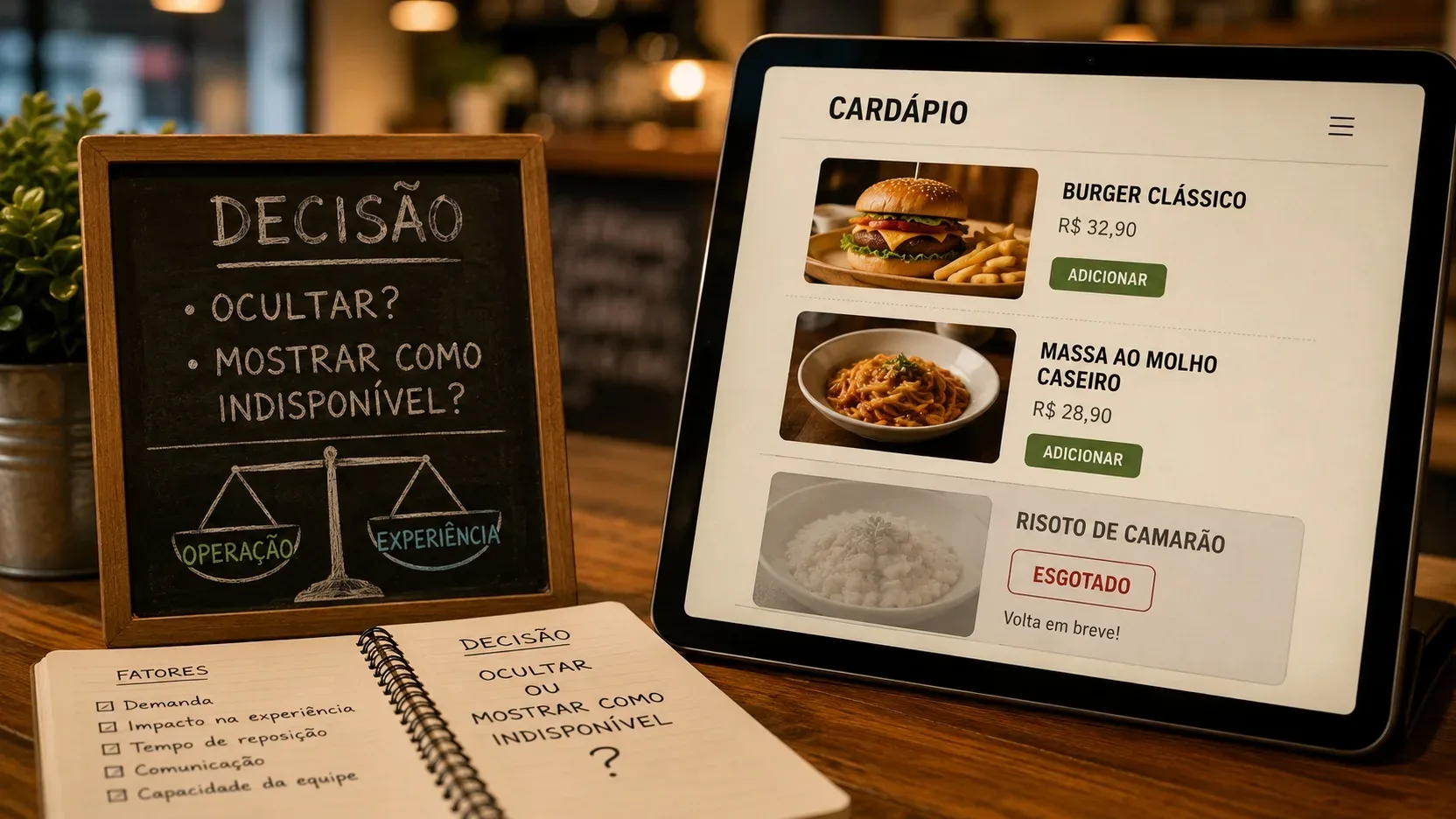
When a dish runs out, there are two different decisions to make. The first is operational: it must
immediately stop being purchasable. The second is about communication: should the customer still see the item marked as unavailable, or is it better to remove it from the menu until it is restocked? For a small operation, especially one without integrated inventory, separating these two questions helps prevent both cancellations and a menu full of products that nobody can order.
The most useful answer is not to always choose "hide" or always choose "show sold out." The best behavior depends on restocking time, the importance of that item on the menu, how the sales channel communicates unavailability, and the team's ability to reactivate it at the right time.
First: do not confuse sold out, paused, and deleted
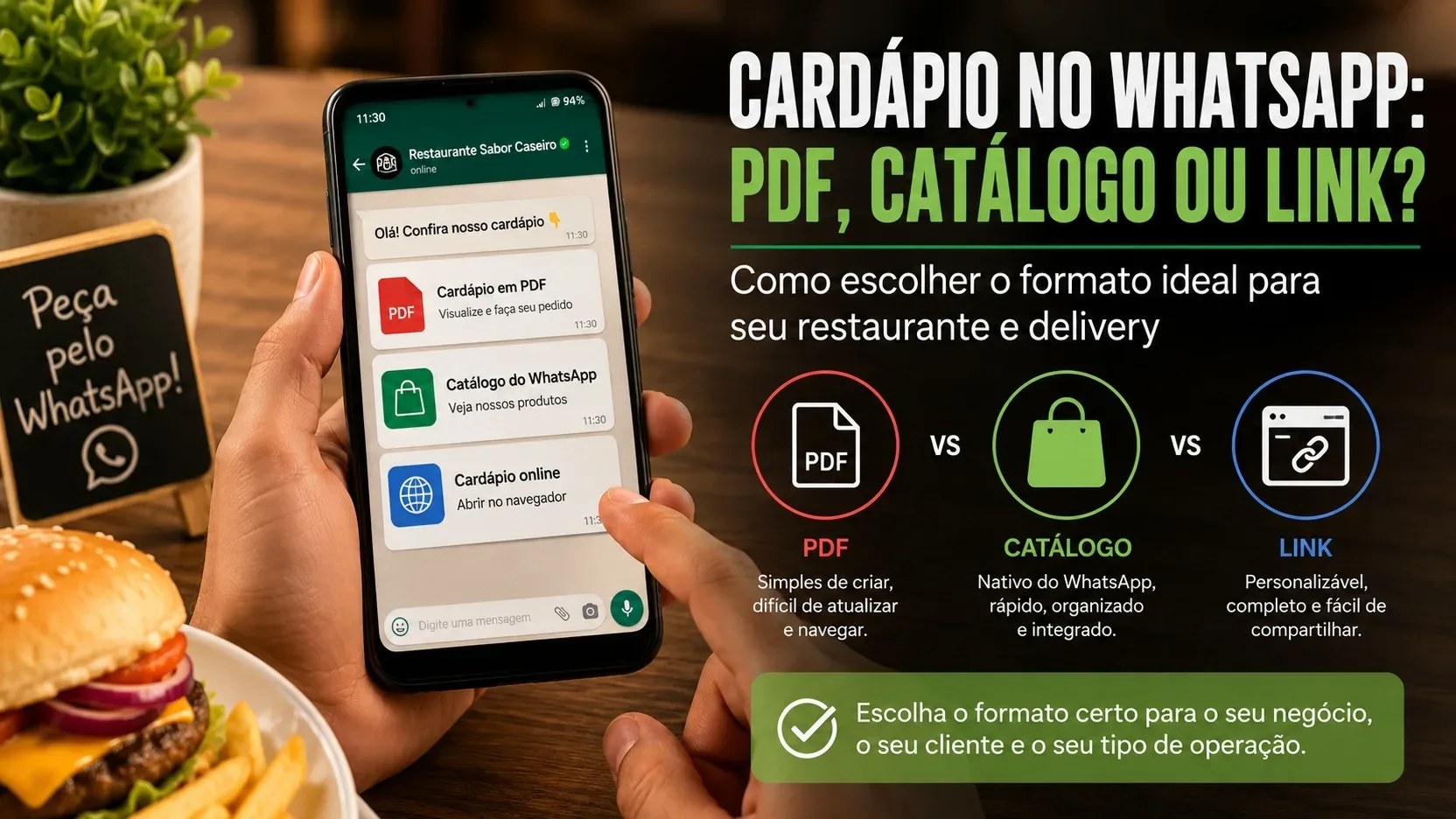
Digital menu systems themselves use these words in different ways. In Anota AI documentation, for example, "Esgotar" keeps the product visible but prevents selection, while "Pausar" hides it from the menu. In iFood, catalog documentation treats a paused or unavailable item as something that no longer appears for sale. Uber Eats, in turn, allows an item to be marked as sold out only for the day or indefinitely.
This shows why it is not worth creating a rule based only on the name of a system button. The restaurant needs to think about the final effect for the customer: does the item remain visible? Can it be clicked? Can it be purchased? Does it return automatically? Does it need to be manually reactivated? This behavior, not the platform's internal label, should guide the routine.
The priority is to prevent the purchase of something that cannot be delivered
Before discussing how the menu looks, a sold-out item needs to leave the sales flow. iFood advises partners to keep their menus updated and treats item unavailability as a relevant cause of cancellations. In systems that offer inventory control, the product can be paused when quantity reaches zero. Without that integration, someone on the team has to make the change manually.
In practice, the worst scenario is to leave the dish with its normal photo, price, and purchase button when the kitchen already knows it cannot prepare it. The issue stops being only about inventory and becomes a customer-service problem: the customer buys it, the restaurant tries to substitute it, the order may be delayed or canceled, and the team has to resolve a failure that could have been prevented in the menu.
When it makes sense to show the item as unavailable
Keeping the product visible usually makes sense when the shortage is temporary and there is a good chance it will be restocked soon. This includes a dish that ran out at lunch and should return for dinner, a dessert that is being produced again, or a popular item that remains part of the regular menu.
In this scenario, the "sold out" state communicates continuity. The customer understands that the dish exists but cannot be ordered at that moment. This can be better than making it disappear without explanation, especially when the person opened the menu looking specifically for that item, saw it in recent promotion, or already knows it from previous purchases.
Visibility is also useful for signature dishes. If a restaurant is known for a particular burger, pizza, dessert, or combo and the unavailability is temporary, keeping the name visible helps avoid the impression that the product has been permanently removed from the menu.
But this behavior only works when the interface makes it clear that purchasing is blocked. A normal photo, a highlighted price, and an active button create the wrong expectation. If the system offers an unmistakable "Sold out" or "Unavailable" label and prevents selection, the visible state can serve a communication purpose without generating another impossible order.
When hiding is the cleanest decision
Hiding tends to be better when restocking is uncertain, slow, or dependent on something outside the team's control. If there is no reliable forecast for an ingredient to return, keeping the dish taking up menu space for days can turn transparency into clutter.
The same reasoning applies to seasonal items, tests, short-run specials, or products that are unlikely to return. In these cases, "sold out" stops describing a temporary interruption and starts to look like a vague promise of return.
It also makes sense to hide items when several products become unavailable at the same time. A menu with many blocked cards can make it harder to choose items that are actually for sale. For the customer, the main goal is to discover what can be ordered now. If the absence will last and the product is not central to the store's identity, reducing the menu can be clearer.
Restocking time should matter more than the impulse to keep the product on screen
A simple operational rule is to relate visibility to the expected return horizon. If the team knows the item will be back in the same shift or the next sales period, showing it as unavailable may be appropriate. If the forecast is only "maybe tomorrow," "when the supplier delivers," or "as soon as we can," hiding it is usually safer.
The important point is not to turn phrases such as "back soon" into automatic copy. If the menu displays a forecast, it needs to reflect something the operation can actually deliver. An optimistic message that remains there for several days reduces trust in the rest of the menu information.
The importance of the item changes the decision
Not every sold-out product deserves the same treatment. A dish that attracts demand on its own, appears in campaigns, or represents an important part of the restaurant's proposition has more reason to remain visible during a short unavailability. A rarely ordered add-on or a secondary variation, on the other hand, can simply be hidden without harming understanding of the menu.
This distinction helps avoid a rigid rule. The restaurant can keep visible the item the public looks for and hide peripheral products whose unavailability would only add more blocked elements to the screen.
Without integrated inventory, create an availability routine
A small operation does not need a sophisticated system to reduce failures, but it does need to define who updates the menu. If everyone can make changes and nobody is responsible, an item may remain active after it runs out or stay paused even after it has been restocked.
Before opening service, it is worth checking the products with the greatest risk of running out, especially those that depend on counted ingredients or limited production. During service, the status change should happen when the team realizes it will not be able to fulfill a new order, not only after the last unit has already been sold through another channel.
At the end of the shift, paused items or items marked sold out need to be reviewed. Some systems offer temporary states; others require manual reactivation. Without this check, a product may physically return to the kitchen and still remain invisible on the menu the next day.
Check every place where the same product appears
The risk increases when the item appears in more than one category, in combos, as an add-on, or across different channels. Pausing the main dish does not solve the problem if the same component remains available inside another offer. Delivery platform documentation itself warns about situations in which an item can appear in more than one part of the menu and its availability must be reviewed in all of them.
For businesses that use more than one channel, the ideal approach is to have a central source of
updates when the integration is reliable. If that does not exist, the team needs to treat unavailability as a small multichannel routine: update each menu and then check the public view. There is no need for a long audit; it is enough to make sure the customer cannot find an alternative route to buy what has run out.
Do not wait until inventory reaches zero for critical items
Without integrated inventory, the team can work with an operational threshold. If only a few portions of a fast-selling dish remain and orders arrive through more than one channel, keeping the item open until the last unit increases the risk that two nearly simultaneous sales consume the same stock.
In these situations, the decision can be made earlier. The kitchen can reserve a small margin and pause the item once there is no longer enough confidence to fulfill the next order. This protects against race conditions between channels, update delays, and discrepancies between what the team believes is available and what can still be purchased online.
Sold out should not become a false-scarcity tool
Showing a product as sold out can signal demand, but that effect should not be used as justification for maintaining artificial unavailability. The status exists to represent the real operation. If the item is available, it should become purchasable again; if it left the menu for a commercial decision, it is better to treat it as deactivated or removed rather than something permanently "sold out."
Trust in the menu depends on consistency. Price, availability, and the ability to purchase need to tell the same story.
A practical rule for deciding
If the product will return soon, is known by the public, and the system allows it to remain clearly blocked, showing it as unavailable tends to be the better choice. If restocking is uncertain, the absence will be long, or the item no longer makes sense on the current menu, hiding it tends to create a cleaner experience.
If the platform does not offer both options, do not try to force a specific appearance. Use the feature that actually prevents the sale and compensate for the limitation with an update routine. The priority is for the public menu to reflect what the kitchen can deliver at that moment.
In the end, hiding or showing as unavailable is a communication decision built on top of a more basic operational rule. First, stop selling what has run out. Then decide whether the customer still needs to see that item. Most importantly, define who will put it back when availability changes.