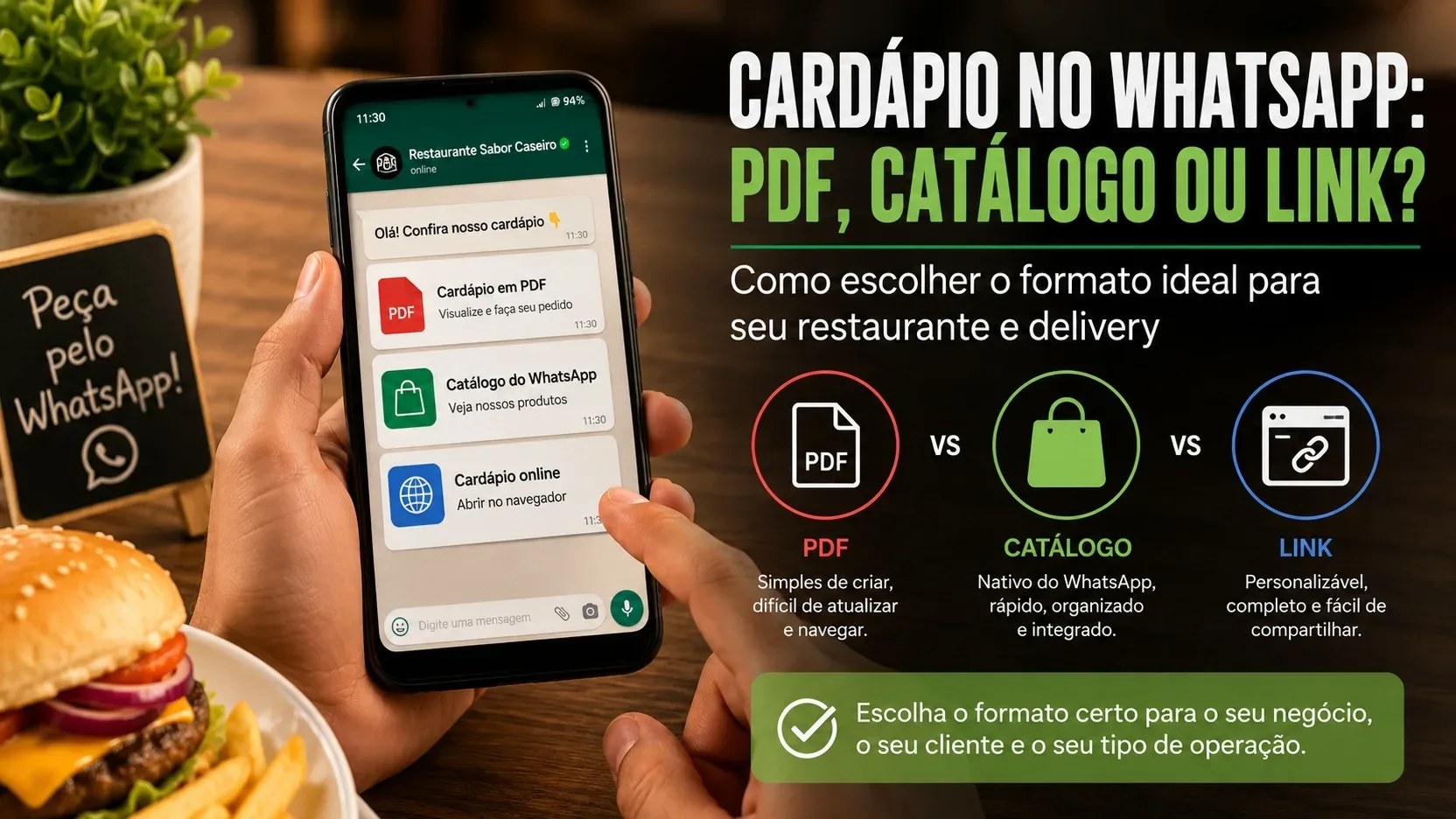
Choosing a menu to use on WhatsApp seems like a format decision, but in practice it is an operational decision. PDF, WhatsApp Business catalog and link page can show products; What changes is the work to keep everything updated and the number of steps the customer needs to complete until the order is clear.
The most useful response, therefore, is not to declare a winner. If the business has few items, changes prices rarely and closes everything through conversation, a PDF may be sufficient. If you want to present products within WhatsApp and continue negotiating in the chat, the native catalog may be a better fit. If you need to organize many categories, extras, variations or a selection with several items before opening the conversation, one page per link tends to offer more structure.
What really changes between PDF, catalog and link
PDF is a file. Once created, it can be sent in a conversation, saved, forwarded and opened again. This simplicity is its main advantage and also its main limitation: each copy sent becomes a version that can continue to circulate even after price, availability or composition have changed.
The WhatsApp Business catalog is located within the WhatsApp environment itself. The Help Center informs that companies using the WhatsApp Business app can create a catalog of products or services. Each item can have a title and optional fields such as price, description, website link and product code. The catalog can also be organized into collections, shared via link and used with cart when this feature is enabled.
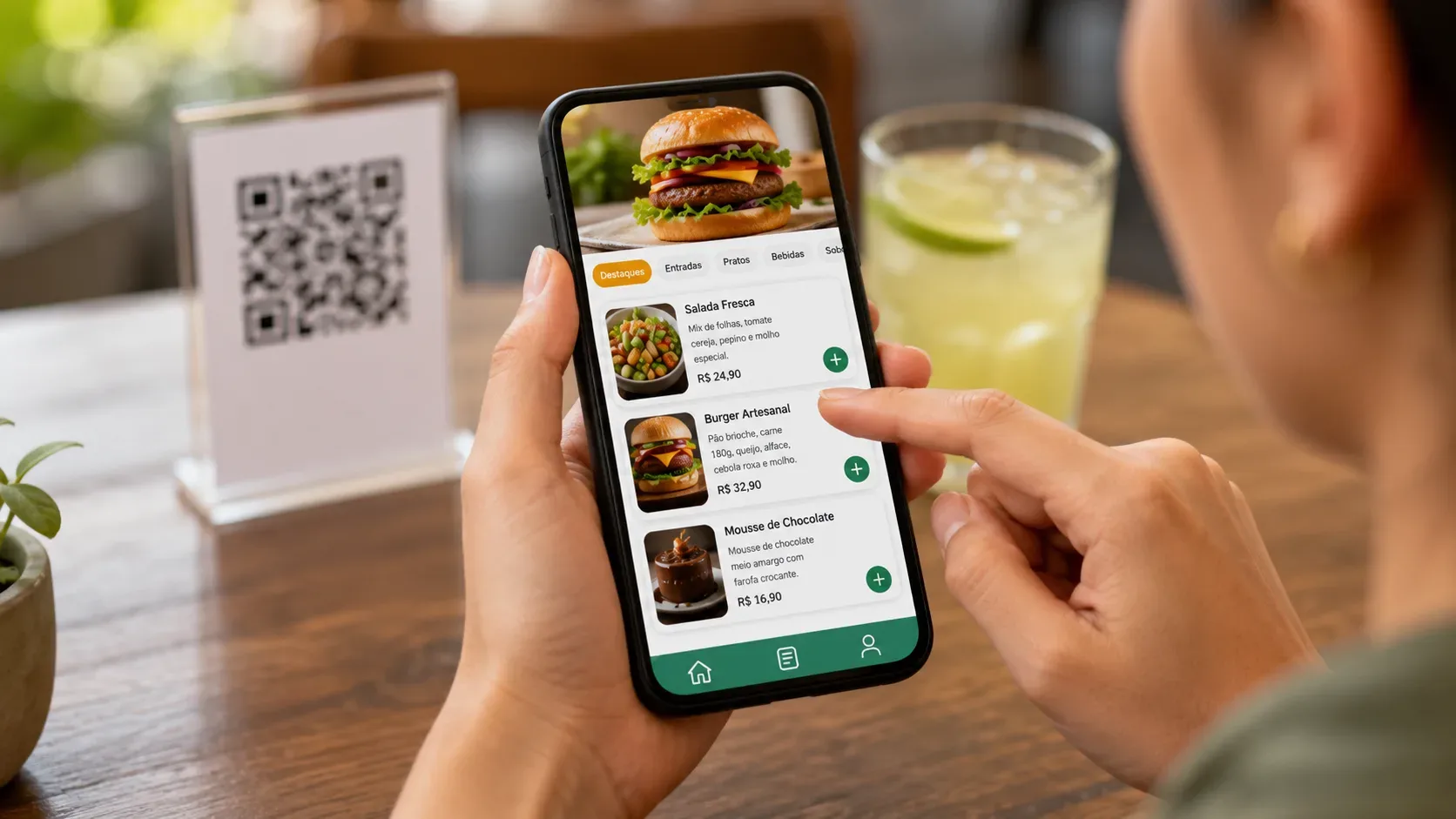
The link menu is a page accessed through the browser. The structure depends on the tool chosen, but this format allows the address to remain the same while products, prices and availability are updated on the dashboard. In solutions aimed at restaurants, the page can also handle categories, extras, variations, item selection and QR Code without necessarily transforming the menu into a complete management system.
Criterion 1: ease of updating
If price, availability and promotions change frequently, the main question is where the official menu information exists.
In PDF, updating requires editing the file, generating a new version and replacing the points where the document is distributed. Even after that, old copies may remain in conversations, downloads and forwards. The problem is not that the PDF is incapable of changing; is that it doesn't have a single update point after it was sent.
In the WhatsApp catalog, maintenance takes place in the catalog itself. This reduces the risk of the customer opening an old file, because the query goes back to the current business record. On a link page, the logic is similar: the public address can remain the same while the content behind it changes.
So businesses that change price, inventory or availability several times a week have a strong operational reason to prefer a catalog or link to a static file.
Criterion 2: reading on your cell phone and browsing by categories
A PDF can work very well on mobile if it was designed for a small screen, with readable text, few columns and short navigation. The problem appears when it is created as a printed sheet and is only exported to PDF: the customer needs to zoom, drag the page and visually search for items in an area larger than the screen.
The WhatsApp catalog was designed for in-app navigation and allows you to group items into collections. This helps when the goal is to browse products without leaving the conversation.
A link page can go further in the organization, as long as it is really responsive. Fixed or easily accessible categories, search, ordering, and product blocks can reduce effort on long menus. The gain doesn't just come from being on the web; comes from the interface being built for the type of decision the customer needs to make.
Criterion 3: additional, sizes and variations
This is the point at which many restaurants stop choosing just a display and start needing an order assembly tool.
WhatsApp documentation describes the catalog item with title and optional fields such as price, description, link and code, as well as collections and cart. It does not present, as part of the item, structured groups of extras and typical restaurant variations, such as choosing the meat's doneness, size, edge, extras or removing ingredients. These decisions can still be resolved in conversation or modeled as separate items, but this adds work when the combinations are numerous.
On a menu page created for food, the tool can offer its own fields for extras, options and variations. This makes a difference in pizzerias, hamburger restaurants, açaí restaurants, buildable lunch boxes and other models in which the final product depends on the customer's choices.
If the order typically requires several questions after the customer chooses the item, it's worth measuring how many of those questions could be resolved before opening the conversation.
Criterion 4: effort to close the order
Showing the menu and taking an order are not the same task.
In PDF, the customer consults the file and then writes what he wants. This flow is suitable when the order is short or when the team prefers to conduct the sale by talking. For an order with many items, however, errors in name, quantity and notes may increase.
In the WhatsApp catalog, the cart allows the customer to add items and send the selection to the business to begin the ordering process. The Help Center itself treats the cart as a way to start the order; the conversation remains an important part of the closure.
On a page per link, the flow may vary. Some pages are for reference only. Others let the customer create a selection and then open WhatsApp with an organized message. Still others send the request to their own panel. The choice must follow the process that the team can operate, and not the largest number of resources available.
Criterion 5: sharing and QR Code
The three formats can reach the customer via WhatsApp, but in different ways.
The PDF is attached or forwarded as a file. This is straightforward, but each forward may load an old version.
The WhatsApp catalog can be accessed within the company profile and the official documentation also provides for sharing catalog links, products and services. It's an advantage when the main channel is already WhatsApp itself.
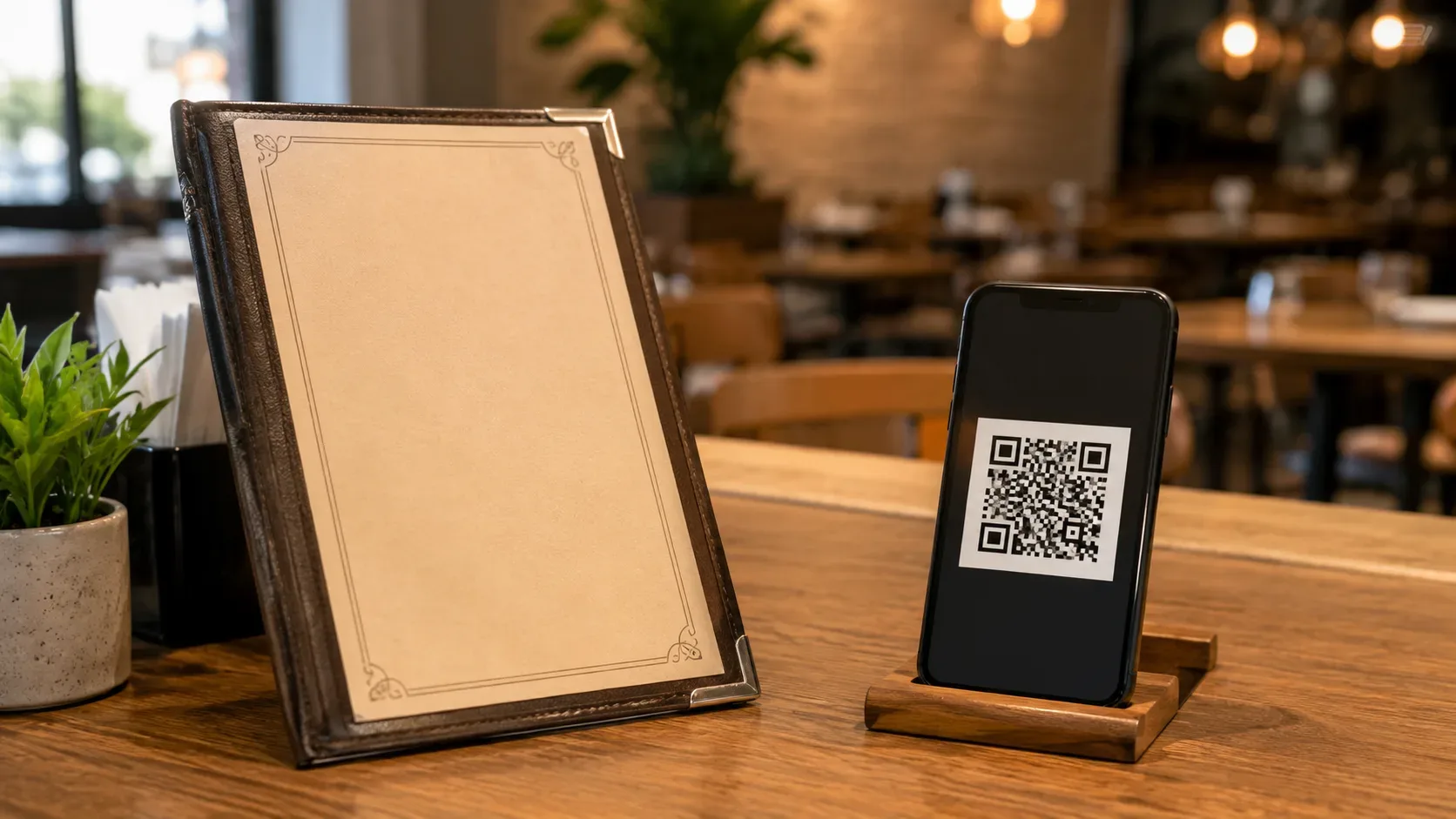
The public page uses a web address. This same address can be included in the bio, on Google, on social networks, in printed materials and in a QR Code. When the content is updated without changing the URL, the printed QR Code continues to lead to the current version. For restaurants with table, counter and delivery, this reuse of the same access point can simplify communication.
Criterion 6: risk of divergent versions
This risk deserves a simple question: if someone opens tomorrow what they received today, will they see tomorrow's menu or today's?
In the PDF sent, you will see the file you received. This may be desirable in specific cases, such as a closed event menu, a proposal or a table valid for a specific period. For delivery with dynamic pricing and availability, this is a weakness.
In the catalog and on the link page, the query normally returns to the current record. The challenge changes: instead of replacing files, the team needs to maintain a single correct record.
When a business publishes the same menu in several places, it is worth reducing as much as possible the number of fonts that need to be edited manually.
When PDF is enough
PDF makes sense when the catalog is small, changes little and conversation is intentionally the center of the order. A café with few combos, a pastry shop with a limited selection or a temporary menu may not need a larger structure.
In this scenario, the main care is to produce the document for a cell phone and adopt a clear replacement routine. Put a date or expiration date when this helps to avoid confusion, keep the file light and don't rely on a layout that forces the customer to enlarge each item.
If the team already has difficulty knowing which file is the most recent, the problem is no longer visual and has become one of updating.
When the WhatsApp Business catalog fits best
The native catalog is a good choice when the business wants to stay within WhatsApp, present items in an organized way and continue closing the order in the conversation.
It reduces dependence on attachments, allows the customer to consult products from the profile and can use collections to facilitate navigation. With the cart, product selection can reach the conversation in a more organized way than a message completely typed from scratch.
The limit appears when the product requires richer configuration than a catalog item represents. If almost every order needs to define size, add-ons, flavors, removals or other options, the team can continue to receive an initial selection and then ask several questions on the
chat.
When a page per link starts to pay off
The link gains strength when the menu needs to behave more like a choice interface than a showcase.
Numerous categories, frequent changes, add-ons, variations, and orders with multiple items are signs that a structured page can reduce friction. The customer opens the address, browses the menu, assembles the selection according to the available rules and only then proceeds to the conversation or to the flow chosen by the establishment.
This does not mean that the restaurant needs to adopt a POS, tax system or complete management. It is possible to use an intermediate tool whose function is only to present and organize the menu.
Biomi Menu is an example of this approach. The product page informs categories, products, photos, prices, extras, variations and QR Code, with three modes of use: consultation only, selection sent via WhatsApp or simple command panel. The declared proposal is to work through the browser without requiring a complete POS.
Four scenarios to decide without overusing the tool
I only want to show a few items
If the menu is short and changes rarely, start with the simplest solution that is readable on your cell phone. A well-made PDF can do the trick. The WhatsApp catalog can also be interesting if the company already uses WhatsApp Business and wants to avoid attachments.
The tiebreaker question is update. If the price changes frequently, a record consulted in real time tends to be safer than a forwarded file.
I receive orders by talking to the customer
If the conversation is part of the sale, there is no need to eliminate the chat. The WhatsApp catalog can function as a showcase within the same environment, while a linked page can organize the consultation before taking the customer into the conversation.
Choose by what happens before the message. If the customer only needs to point out one or two items, a catalog and chat may be enough. If you need to browse a larger menu and put together a combination, the link can better prepare the order.
Customer needs to assemble several items and additional items
Here the limitation of the static format appears quickly. A PDF can explain the options, but does not guide assembly. The catalog can organize products, but additions and complex variations still tend to depend on conversation or more laborious modeling.
A page with option selectors and additional options can reduce repeated questions and generate a more organized WhatsApp message. The benefit is greater when the order has many items or when each product supports several combinations.
I change prices and availability frequently
Avoid a flow where each change requires generating and re-uploading a file. Catalog or link page creates a more centralized update point.
If the restaurant also uses QR Codes on tables, counters or packaging, a page with a stable URL has another advantage: the printed code can remain the same while the content changes.
The best choice is the smallest tool that solves the entire flow
The ideal format is not the one with the most resources. It's what covers the path between finding the menu, understanding the products, making the necessary choices and delivering an understandable order to the team.
For a small and stable menu, PDF may be sufficient. For a WhatsApp-centric operation with simple products, the native catalog can reduce friction without taking the customer out of the conversation. For a more dynamic menu, with categories, extras, variations and assembly of various items, the link page offers more space to structure the decision before serving.
Before changing tools, notice where the process breaks down today. If the problem is an old file, prioritize centralized updating. If you are a customer lost in the menu, prioritize navigation. If it is a sequence of questions about options, prioritize assembly. If it's the team receiving incomplete messages, prioritize a flow that organizes the selection before sending.
The choice becomes simpler when the restaurant stops asking which format seems more modern and starts asking which one reduces work for the customer and for those who receive the order.