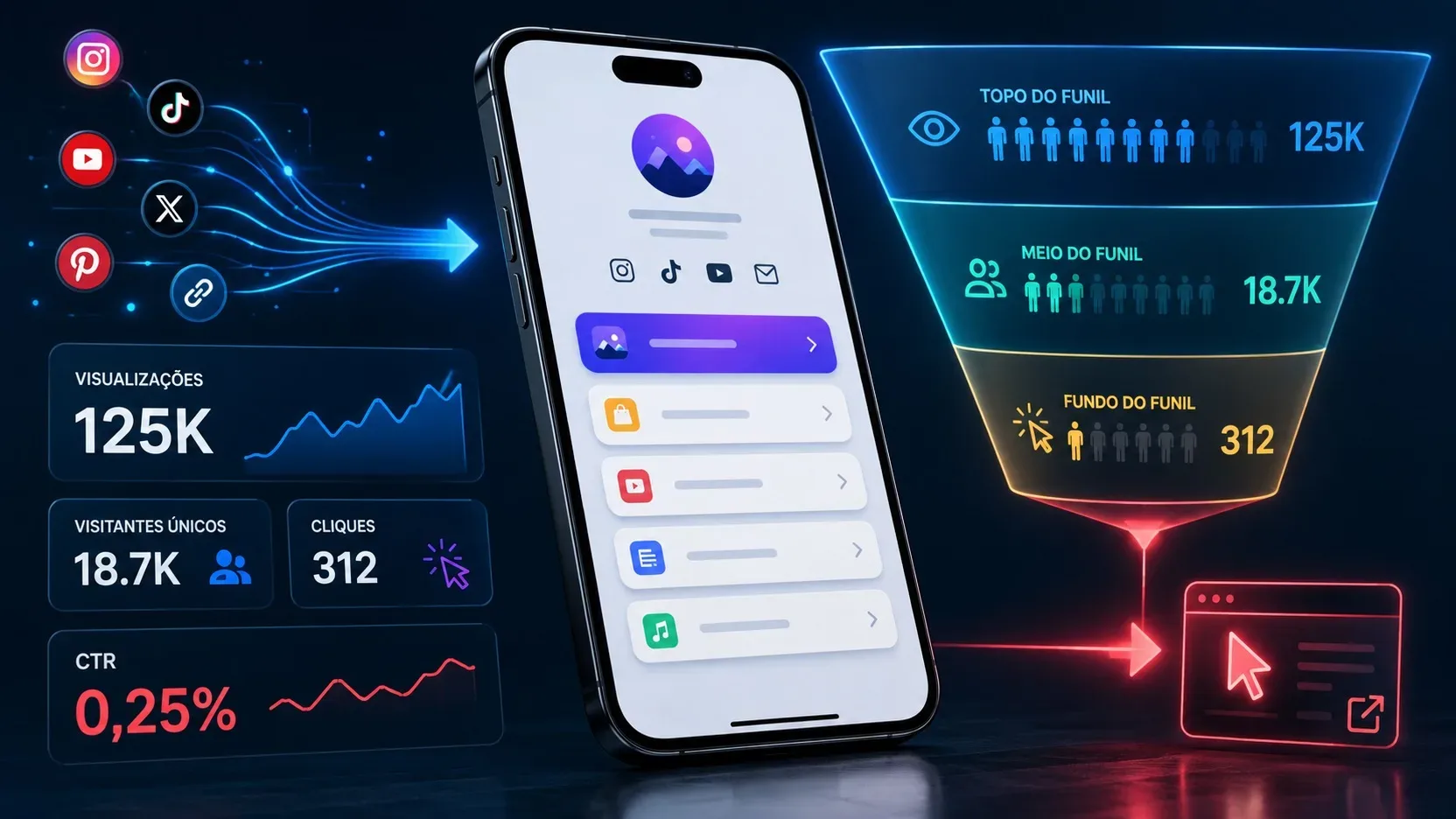
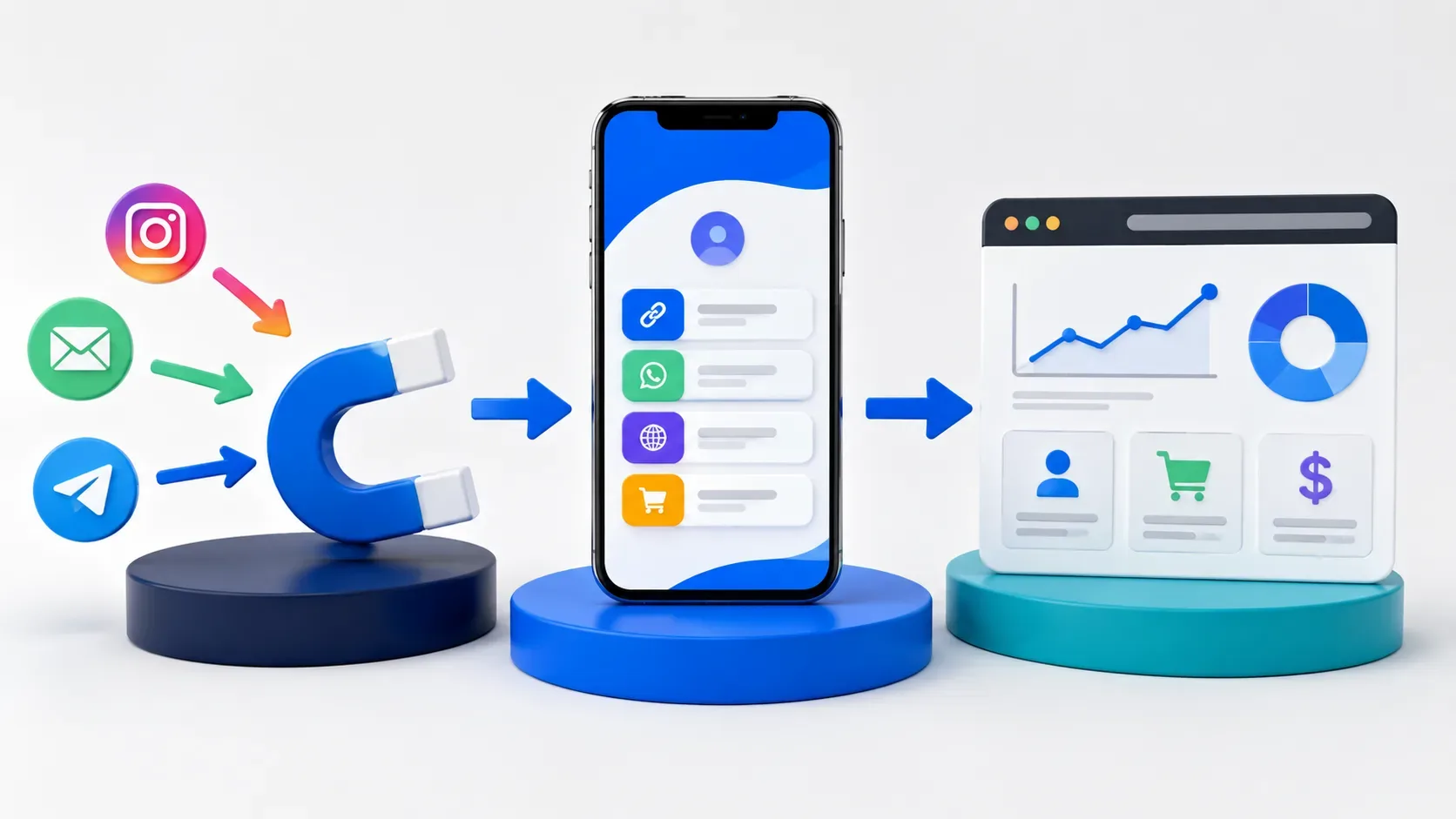
A links page sits in the middle of a journey. The person can leave Instagram, go to your page, choose a button and, only then, complete an action on another website.
The mistake is trying to answer everything with a single metric.
To understand this journey, separate measurement into three layers:
- origin → link page: where the visit came from;
- behavior within the page: which link the person clicked on;
- link page → destination: what happened after she left.
UTM parameters mainly help in the first and third layers. Page click data responds to the intermediate step. This separation avoids treating visit, click and conversion as if they were the same result.
What a UTM really identifies
UTMs are parameters added to a URL to report campaign data to supported analytics tools.
In Google Analytics, parameters such as utm_source, utm_medium and utm_campaign can feed dimensions related to source, media and campaign. GA4 also differentiates first user, session, and key event acquisition data, so two reports can answer different questions even when working with the same campaign.
A basic structure could be:
?utm_source=instagram&utm_medium=social&utm_campaign=profile
The names after the equal sign are defined by whoever organizes the campaign. The important thing is to maintain a consistent convention, because Analytics processes the values sent in parameters and transforms them into reporting dimensions.
Layer 1: Find out where the link page visit came from
If you publish the same page in several places, using exactly the same address in all of them makes it difficult to separate the origins.
An alternative is to create a parameterized version for each channel.
On your Instagram profile, for example:
https://your-page.example/?utm_source=instagram&utm_medium=social&utm_campaign=perfil
In a newsletter:
https://your-page.example/?utm_source=newsletter&utm_medium=email&utm_campaign=profile
In a specific campaign:
https://your-page.example/?utm_source=instagram&utm_medium=social&utm_campaign=launch
These UTMs belong to the address used to take the person to the links page. The question answered here is: “what publicity did this visit bring?”.
For this information to appear in a tool like GA4, however, the page receiving the visit must be within a measurement implementation capable of collecting these parameters. Adding a UTM to the URL alone does not create a report on a platform that is not configured to record it.
In the specific case of Biomi Links, the agenda states that there are behavior metrics within the page, but not enough public documentation was found to confirm, in this research, whether the UTM parameters of the input URL are currently presented or passed on by the product. This point must be checked in the service's current configuration or documentation before promising this view as a native resource.
Layer 2: measure what the person did on the page
Once someone reaches the page, another question arises: which link did they click?
This data should not be confused with the origin of the visit.
Imagine 1,000 page views and 250 portfolio button clicks. The two numbers represent different steps:
- the visit shows that the person has arrived;
- the click shows that she decided to go to another address.
It remains to be seen whether the target loaded correctly and whether any relevant action occurred there.
Therefore, a click on the “WhatsApp”, “Portfolio” or “Buy” button should not automatically be presented as a message sent, contact received or purchase made.
If the measurement used on the page itself records clicks on links, use it to respond to this intermediate step. If GA4 is present on a site under your control, Google also makes the external link URL available as a dimension associated with outbound clicks when the corresponding implementation is enabled.
Layer 3: find out what happened at the destination
Outbound links are where another UTM can be useful.
Suppose a button on the page leads to your portfolio:
https://portfolio.example/?utm_source=biomi&utm_medium=link_in_bio&utm_campaign=portfolio
In this case, UTM is not trying to say that the person originally came from Instagram. She is identifying that that session in the portfolio started from the links page.
The question becomes: “how many visits and results did this button send to my website?”.
If the target has GA4 or another analysis tool configured, you can relate this source to events measured at the target itself. In GA4, session dimensions represent the source that initiated the session, while event dimensions can be used in attributing key events depending on the property setting.
This distinction allows us to analyze, for example:
Instagram → links page → portfolio → form submission
Without this separation, it would be easy to just look at the button clicks and conclude that they all became contacts.
Don't use the same UTM to answer two different questions
There is an important difference between parameterizing the address that leads to the page and the addresses that leave it.
In the first:
instagram → links page
You can adopt something like:
utm_source=instagram&utm_medium=social&utm_campaign=profile
In the second:
links page → portfolio
A possible convention would be:
utm_source=biomi&utm_medium=link_in_bio&utm_campaign=portfolio
Values are not Google's universal rules; they are an editorial and measurement convention. The essential thing is to document the meaning of each one and not change the nomenclature for each link.
If you mark the output link with utm_source=biomi, the destination will see this touch as the manual origin of that session or interaction according to the measurement context. This is useful for knowing the performance of the link page, but it does not alone preserve the information that, before it, the person had arrived via Instagram. GA4 processes new campaign values as they are collected and differentiates between session and event scopes.
For end-to-end attribution, it would be necessary to preserve or relate the previous source data by a planned implementation. It is not safe to assume that a link page platform automatically transfers incoming UTMs to all outgoing links.
A simple convention prevents fragmented reporting
There is no advantage in creating dozens of names if three fields already answer the project's questions.
A practical convention might follow this logic:
- utm_source: who or which environment sent the traffic, such as Instagram, newsletter or biomi;
- utm_medium: distribution type, such as social, email or link_in_bio;
- utm_campaign: initiative you want to group, such as profile, portfolio or launch.
Google documents that source, medium and campaign are used to describe the origin and marketing action associated with traffic.
Also choose a writing rule. Using everything in lowercase, without spaces and with predictable names reduces variations such as Instagram, instagram, insta and IG, which could end up separated in the analysis.
Example: Instagram, portfolio and conversion
Consider a professional who maintains a page of links on his Instagram profile and has a portfolio on his own domain.
The address published on Instagram could be:
https://your-page.example/?utm_source=instagram&utm_medium=social&utm_campaign=perfil
This parameterization serves to identify the traffic sent to the link page, as long as the measurement of that page is prepared to collect it.
The “View Portfolio” button could lead to:
https://portfolio.example/?utm_source=biomi&utm_medium=link_in_bio&utm_campaign=portfolio
In the portfolio, GA4 could then measure sessions coming from that address and, if the implementation is prepared, relevant events such as form submission or other configured action.
The string now has three distinct numbers:
- visits received by the page after publication;
- clicks made on the portfolio button;
- shares registered within the portfolio.
This allows you to detect where there is loss. Too many visits and too few clicks point to a different issue than too many clicks and too few landing conversions.
What if the button opens WhatsApp?
The reasoning changes because the destination is no longer your website.
You can measure the click on the WhatsApp button on the links page, but this does not in itself prove that the person sent a message. After output to a third-party application or service, continued measurement depends on the data and integrations available in that environment.
Therefore, the correct number to present is “clicks on WhatsApp” when that is what was actually measured, and not “conversations started” or “leads” without an additional source confirming these actions.
The same caution applies to marketplaces, social networks, scheduling platforms and other destinations that you don't control.
Errors that distort attribution
Some issues do not prevent the link from opening, but make the reports less useful.
Changing names all the time. Instagram, Instagram and Insta can fragment reading. Set a convention and stick to it.
Use campaign to store any information. If utm_campaign means a promotion in one link and the name of the page in another, comparing results is no longer simple.
Call conversion click. Click shows intent to continue. The result needs to be measured at the point where it happens.
Put UTM only on the intermediate page and expect to see it automatically on the destination. The input URL and the output URL are different requests. Parameter propagation requires platform-specific behavior or your own implementation; should not be assumed.
Insert personal data into UTMs. Google explicitly advises that campaign parameters do not contain personally identifiable information such as names, emails, or similar data. As these values are in the URL and can enter analysis systems, use campaign identifiers, never personal data.
How to test before publishing
Assemble the complete journey before putting the address on the profile or in a campaign.
- Open the parameterized URL that leads to the page.
- Confirm that the page loads without losing the parameters necessary for the planned measurement.
- Click on the target being tested.
- Check that the exit URL contains only the UTMs defined for that step.
- On the target site under your control, confirm that the expected visit and events reach the analytics tool.
- Perform the same test on each channel that receives a different combination of parameters.
The objective is not just to check if the link opens. It's about checking whether each tool is recording the part of the journey you intend to analyze.
Attribution becomes more useful when each tool answers a question
A links page need not bear all responsibility for attribution alone.
Measurement works best when each layer has a clear function: the incoming URL helps identify the advertisement that brought the visit; the page shows the interaction that occurred at that point; and the target site measures the action that actually happened afterwards.
This way, instead of just asking “how many clicks did my link receive?”, you can work with more useful questions: which channel brought the visit, which button received the click and which destination actually generated the result of interest.