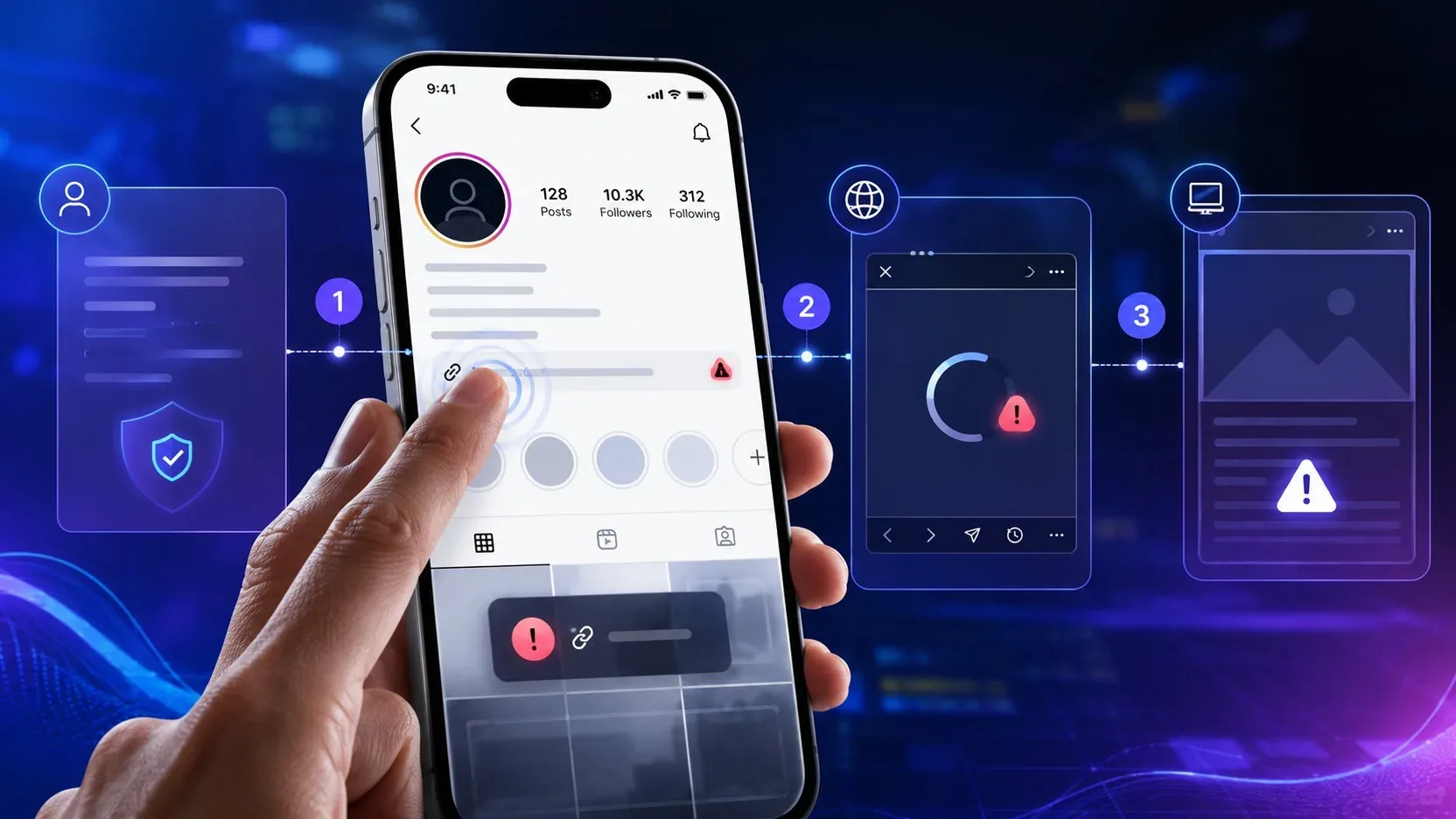
If the link in the Instagram bio doesn't work, the first step is not to change the shortener, recreate the page or blame the app. First, identify at which stage the failure occurs. “I can’t add it”, “it saves but it doesn’t appear”, “it appears but it doesn’t open” and “it opens in the regular browser, but not within Instagram” are different problems and require different tests.
Meta's own documentation helps separate these layers. Instagram maintains a specific field for links in the profile, can reject certain content when saving the profile, has its own internal browser and shows features in Account Status that an account cannot use. This means that the same “broken link” feeling can arise in the profile, in the app or on the landing page.
Start classifying the symptom before changing the URL
Try to describe the problem in one objective sentence. Can't save the link? Is he saved, but someone else doesn't see him? Does it appear and respond to touch, but the page won't load? Does the page load in Chrome or Safari, but crashes when opened within Instagram? Or does the destination open but end on a different page than expected?
This classification avoids a common mistake: changing several things at the same time and losing the ability to know what actually resolved. To diagnose, change one variable at a time and repeat the same test.
Control test: use the same URL in different contexts
Open the exact same URL in an up-to-date external browser such as Chrome, Safari, Firefox, or Edge. Then, open the link from Instagram. If both contexts work, the problem may be with the profile display or configuration. If the external browser works and the internal browser fails, the focus becomes the interaction between Instagram and the page. If neither works, investigate the destination first.
Repeat the test on another device or another connection when possible. The goal is not to collect attempts, but to find out whether the failure is with the account, application, device or URL.
I can't add or save the link to the profile
Meta advises that website links be added in Profile, Edit profile, Links and Add link. It also informs that an error when saving the profile may occur when something is not allowed, including certain links or characters. Therefore, when the problem appears even before the link is made public, the investigation should begin at the profile level and submitted URL, not at the page load.
Isolate the URL from the rest of the profile editing
Try to save just the link, without changing the name, bio or other fields at the same time. If the error disappears, you've discovered that the problem wasn't necessarily with the URL. If it persists, test a simple and direct URL from a known domain that opens normally in the browser.
If a control URL is accepted and the original URL is not, the evidence points to something specific in the original address or domain. This does not automatically prove that the domain has been “banned”. The difference may be in the format of the address, the redirection chain, the
final destination or in any rule applied by the platform. Treat “URL blocked” as a hypothesis until there is a clear message from Instagram or other account evidence.
Check Account Status when the problem appears to follow the profile
Instagram Account Status includes a feature area that the account cannot use. If the same device accepts links on another account, but a specific account is unable to edit or save, this is a useful sign that the problem may be at the account level. Check your Account Status before reinstalling everything or switching services.
If there is no restriction indicated, update the application and repeat a minimal test. Meta's general troubleshooting guidance also recommends updating Instagram before reporting a technical issue.
The link saves, but does not appear to other people
When the owner sees the link and someone else doesn't, the test needs to leave the account owner's view. Open your profile with a second account, on another device or through the web version of Instagram. Don't just use the Edit Profile screen as proof that the link is actually visible to the public.
Make the comparison without changing the URL. If the link appears for you, but not for a second account at the same time, record this behavior. Then close and reopen the application and check again. If the difference continues on more than one device, the problem is closer to the display layer or account status than the landing page, because the person hasn't even opened the site yet.
Avoid concluding that the link in bio service is defective just because the owner sees a configuration that the visitor does not. The correct test is to observe the profile as a visitor.
The link appears, but does not open
Here the question changes: tapping the link produces no reaction, does the browser open and load, or does an error message appear? These behaviors point to different stages.
If the tap does not lead to any loading, compare the same profile on another device and another account. If the internal browser opens but the page doesn't finish loading, immediately test the URL in the external browser. The difference between these two results is more informative than blindly changing the URL.
When opening outside of Instagram, but not in the internal browser
Instagram has its own internal browser, with specific settings accessible when opening a link within the application. Therefore, a page working in Chrome or Safari does not guarantee, in itself, that the same flow will be identical within the app.
If the direct URL opens in the external browser and only fails in the internal Instagram browser, you have already isolated the context of the failure. You still don't know the exact cause, but you know where to look. At this point, test the most direct version of the address possible, preferably in HTTPS, without a shortener and without a long sequence of redirects.
If the direct URL works and an intermediate URL fails, investigate the intermediate step. If both fail only on Instagram, the problem may involve Instagram-specific behavior.
internal, application or page browser when it receives that navigation context. Features such as redirects, new window opening scripts, deep links and cookie dependencies are technical hypotheses to check whether you control the site; should not be treated as a cause without testing.
Instagram link history is not a general repair button. Meta's documentation describes this feature as controlling the history of links visited in the internal browser. Changing it without evidence of a relationship with the failure tends to add another variable to the diagnosis.
The page opens, but redirects to the wrong place
When the link responds to touch and a page is loaded, the profile has already completed part of the journey. If the user ends up on the wrong page, the priority is to find out which hop the destination changed.
Open the URL exactly as it is registered and observe the final address in the external browser. Then compare it with the result within Instagram. If you use a link aggregator, shortener, tracker, or campaign redirect, also test the final URL without this middle layer.
If the direct final URL works, but the redirection version goes elsewhere, the investigation should focus on the service or redirection rule. If the erroneous behavior only appears in the internal browser, record the difference in context and look for conditional rules on the site, such as redirection by device, browser, geolocation or campaign parameters.
A different redirect should not be attributed to Instagram without proof. What the test demonstrates is just that the result changes between contexts; The cause could be in the application, in the site infrastructure, or in an intermediary rule.
How to create a reproducible diagnosis in just a few minutes
Use a fixed sequence. First confirm whether the link can be saved. Then check if it appears for a second account. Then open the same address inside and outside Instagram. Finally, cut out the middleman and test the final URL directly.
Write down the result of each step before making the next change. A phrase like “URL A saves in account It also allows technical support, developer, or page vendor to reproduce the issue.
A good test only changes one variable
If you change domain, shortener, page, browser and account at the same time and the problem disappears, you won't know which change made the difference. Prefer controlled comparisons: same URL in two browsers; same account on two devices; two URLs in the same account; Final URL versus URL with redirection.
This method also avoids expensive or unnecessary solutions. There is often no reason to abandon the link tool in the bio if the error occurs before it, nor to rebuild the page if the link is not even displayed in the profile.
When it makes sense to report the problem to Instagram
After updating the application, checking the Account Status and repeating the test on another device or account, a behavior that only occurs on Instagram and remains reproducible can now be treated as a possible technical problem with the platform. Meta offers the option to report a problem through the application's Help menu.
When reporting, describe the exact path: which account, which URL, whether the link saves, whether it appears to third parties, whether it opens in an external browser and what happens in the internal browser. Only include screenshot if it shows the relevant state. The more controlled the report, the less chance of receiving a generic response.
Before changing tools, find out which link failed
“Link in bio does not open” is not a diagnosis; it's just the final symptom. The shortest way to resolve this is to separate profile, display, internal browser, redirects and destination.
If the link does not save, investigate profile, URL and account status. If it saves but does not appear, look at the profile as a visitor. If it appears and does not open, compare internal and external browsers. If it opens outside, but fails inside Instagram, test the direct URL and reduce intermediaries. If it opens and redirects wrongly, follow the chain until you find out at which point the destination changes.
This process turns a vague flaw into reproducible evidence. Only after that is it worth deciding whether it is necessary to change the URL, adjust the page, remove a redirect, call support for the service used or report a problem to Instagram.