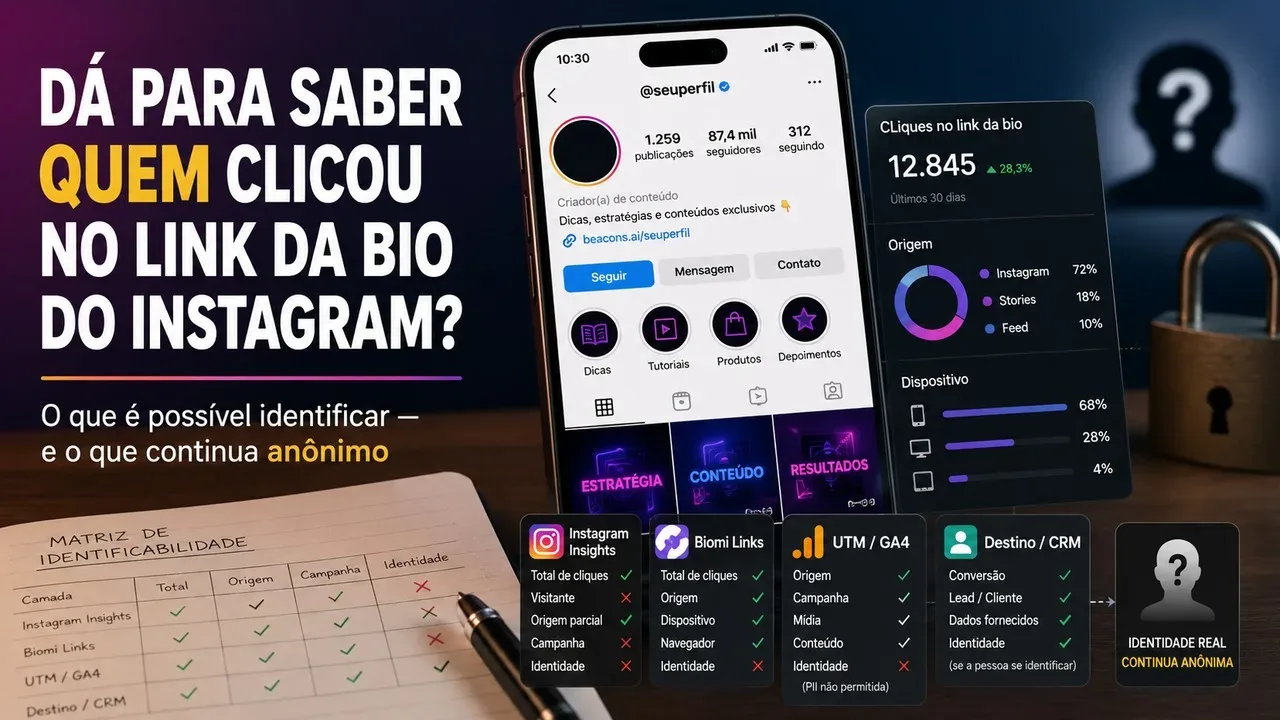
In most cases, you can't find out which specific person clicked on the Instagram bio link. The point that tends to generate confusion is that “measuring a click” and “identifying who clicked” are different things. Instagram, a link page, and a tool like Google Analytics can record events, sources, and browsing patterns without giving away the visitor's name or @.
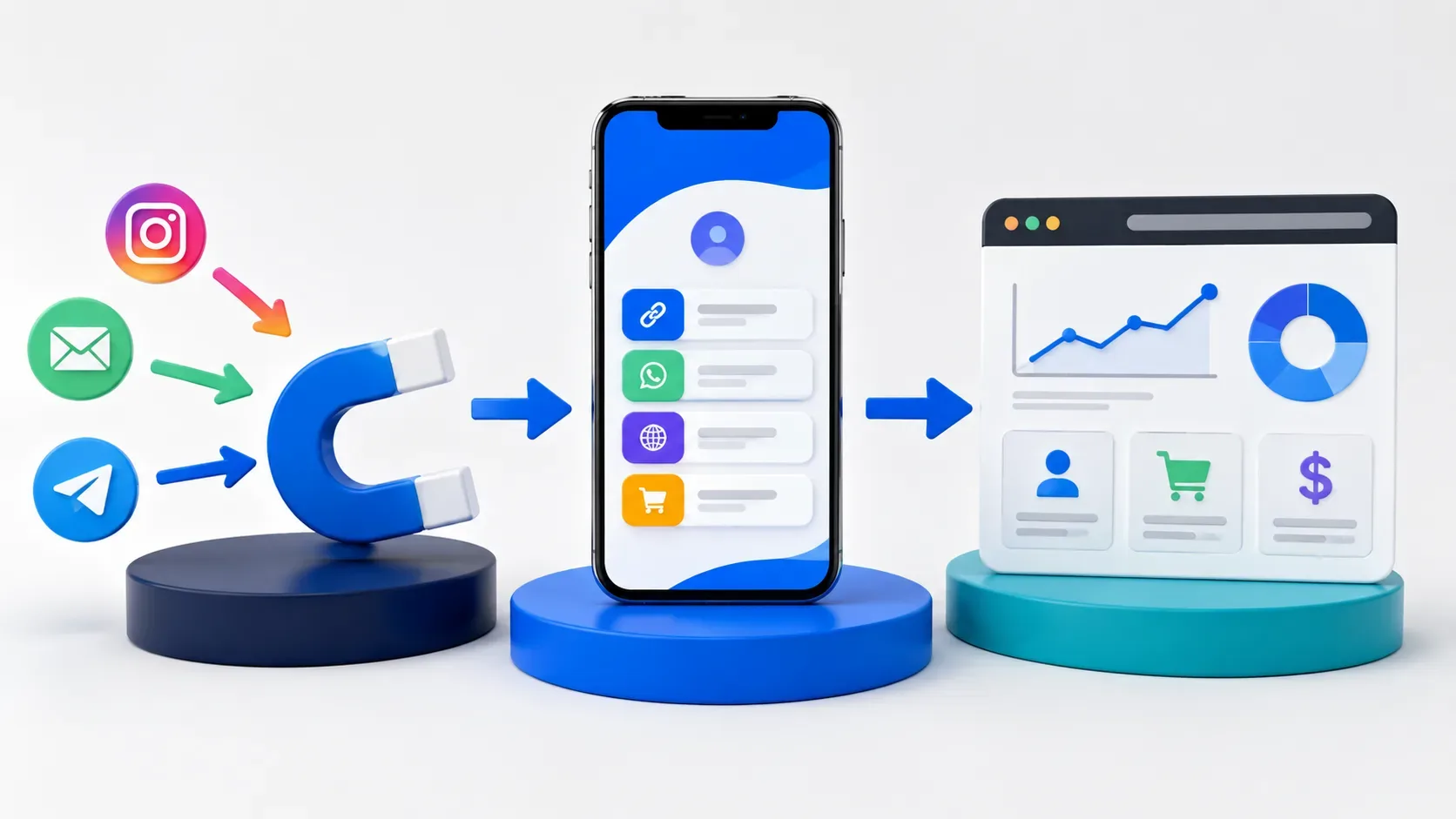
The most useful way to think about the problem is in layers. O Instagram mede a atividade dentro da própria plataforma. Uma página intermediária, como o Biomi Links, consegue medir o que acontece quando a visita chega à página e toca em um dos botões. UTM parameters and GA4 help you attribute traffic to source, medium, and campaign. Identity only enters in a reliable way when the destination receives data that the person provided, such as a login, a form, a purchase or a conversation initiated.
The short answer: click is not identity
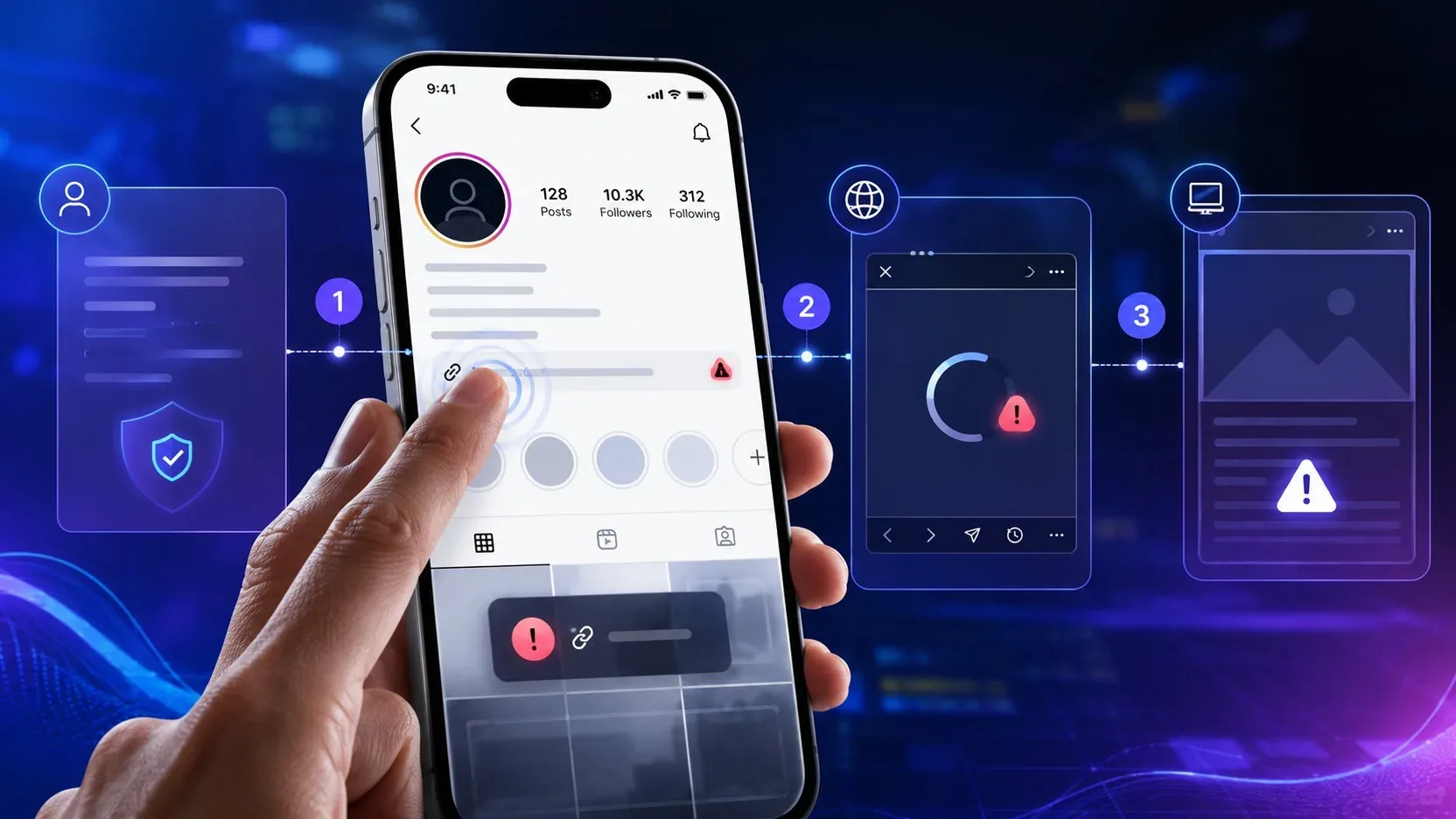
A click is an event. It informs you that someone activated a link in a certain context. Depending on the tool, this event may be accompanied by a time, referring page, device type, traffic source or technical identifiers. None of this, in itself, is equivalent to “it was person X, from the @so-and-so profile”.
In Instagram's Insights features, Meta works with account and content performance and activity metrics. The platform's own documentation treats clicks and actions as metrics. What does not appear as a native resource is a nominal list of followers or profiles that tapped the external link. Knowing that there were a hundred taps on the link and knowing which hundred people did this are completely different data problems.
What each layer can see
Instagram Insights: performance within Instagram
Instagram Insights is useful for answering questions such as: did my profile generate more actions during this period? Did the content drive people to the profile? There were clicks or other related interactions
à conta? These metrics help compare performance, but remain focused on volume and trend. They do not transform the external click into a list of usernames.
It is also important not to mix metrics from different surfaces. A click on an ad, a tap on a Story link, a visit to the profile and a tap on the bio link can appear in different reports, with their own definitions. Before comparing numbers, confirm which event is being counted and in which time window.
Biomi Links: behavior on the links page
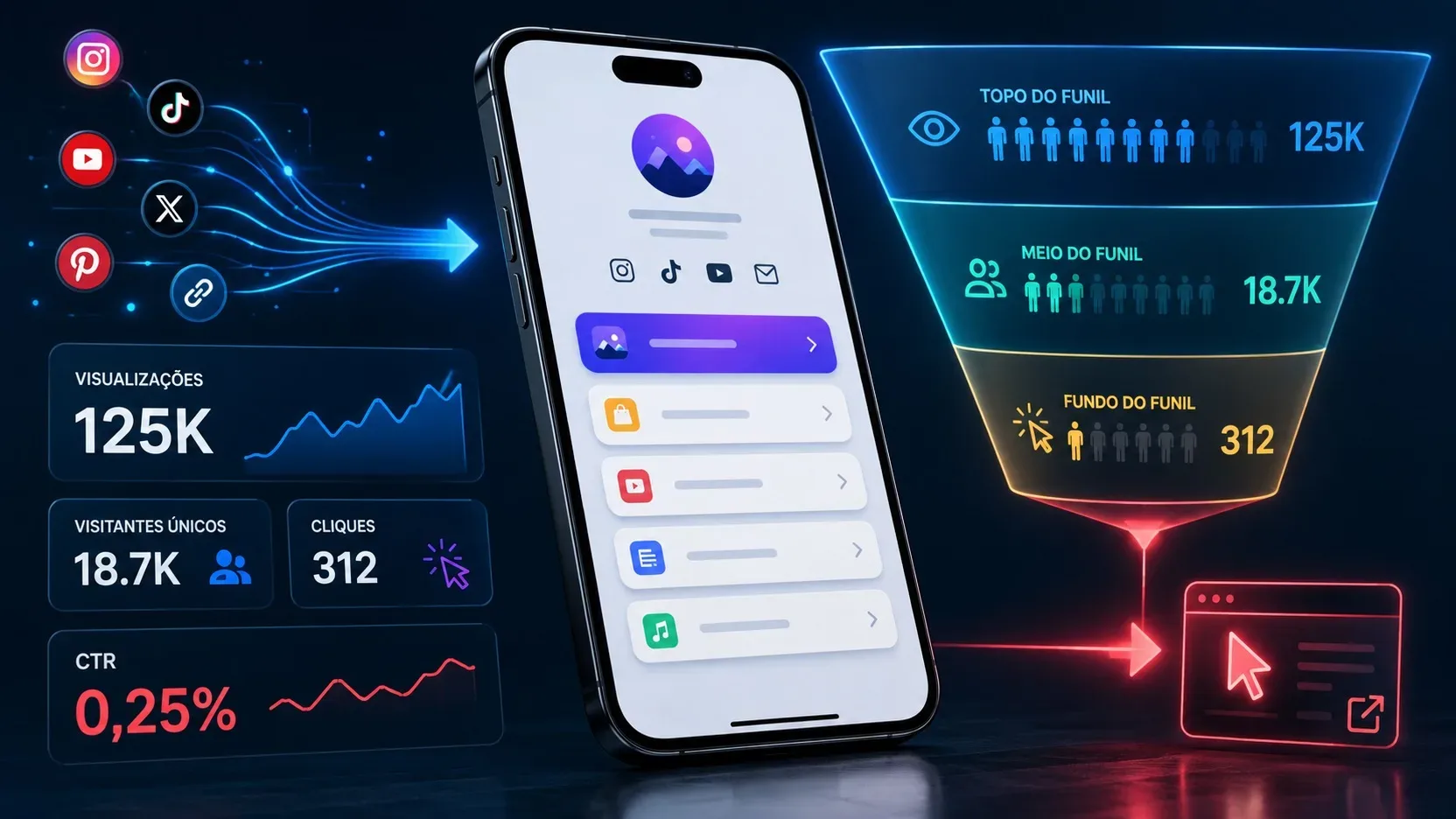
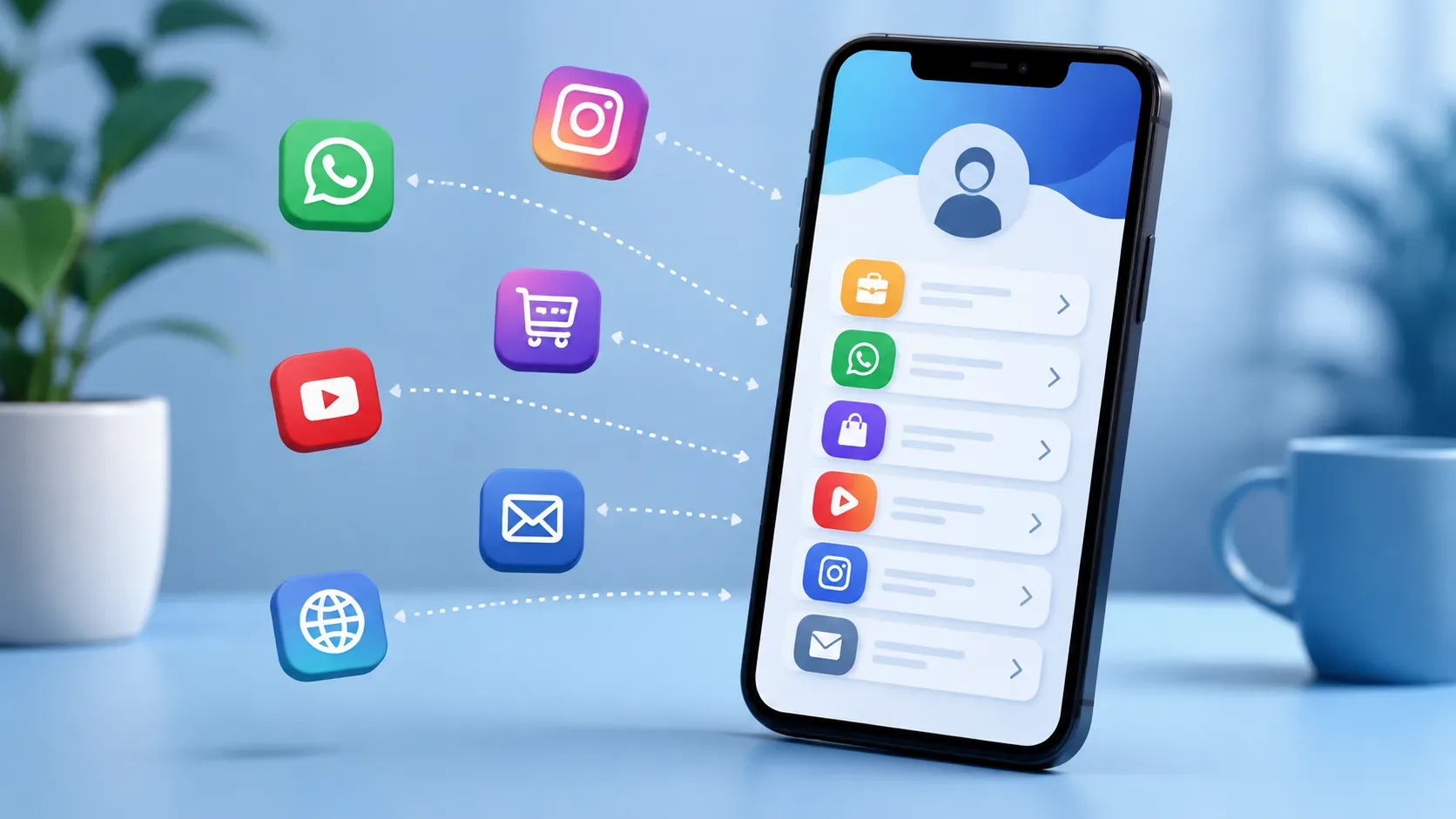
When the bio link leads to a Biomi Links page, measurement gains another layer. The product informs that its analytical panel tracks views, clicks, unique visitors, devices, origins and which links generate the most interest. This allows you to better understand the path after the person leaves Instagram and enters the intermediate page.
“Unique visitor”, however, should not be read as “identified person”. In analytics, a visitor can be recognized by technical signals or session and browser identifiers, depending on the implementation. Biomi Links' own privacy policy informs the processing of technical and navigation data, such as IP address, browser, device, pages accessed, date, time and reference page, in addition to the use of these records for metrics and security. This data can help count and differentiate visits, but it is not an automatic list of real names or Instagram profiles.
UTM and GA4: origin and campaign, not the name
UTM parameters are for attribution. By adding information such as utm_source, utm_medium and utm_campaign to the destination address, you mark where that access should be classified from. In GA4, this helps separate, for example, an organic Instagram campaign from a specific action, ad, or other channel.
UTM does not carry the identity of the person who clicked. It describes the campaign or traffic source. Google goes further and prohibits sending Analytics information that you may recognize as personally identifiable, such as your name, email, or phone number. The documentation also warns not to include this type of data in the campaign parameters themselves. Using something like utm_campaign=joao_silva to try to “tag” someone is a bad idea from both a technical and privacy perspective.
Destination, login and CRM: when identity can appear
Identity can emerge after the click when the destination has a legitimate way to recognize it. Imagine that the person leaves the bio, enters a landing page and logs in. Or fill out a form with name and email. Or complete a purchase on an already authenticated account. At this point, the destination system now has its own data that it can associate with the conversion, depending on the data architecture, privacy notices and applicable rules.
GA4 also has the User-ID feature for companies that already create their own identifiers for connected users. Google explains that this ID is typically assigned during login and can connect behavior across sessions and devices. Even so, the identifier sent to Analytics must not contain information that allows third parties to determine the user's identity. In other words: the company may know internally who the customer is, but that doesn't mean putting that person's name into Google Analytics.
A tableless identifiability matrix
If you only use Instagram
You're mostly left with aggregate performance signals. You can observe actions and clicks in contexts supported by Insights, but you don't get a list of @ who tapped the external link. This layer answers “how much happened?” better than “who was it?”.
If Instagram takes you to Biomi Links
You add a layer of page analytics: views, button clicks, unique visitors, devices, origins and link performance, depending on the service's current capabilities. This improves the reading of the funnel, because you stop just seeing the output from Instagram and start seeing what was chosen on the page. Still, click and technical visitor remain different from civil identity or Instagram username.
If the links have UTM and the destination uses GA4
You gain attribution for source, media, campaign, and other traffic details. It's the right layer to answer which campaign brought sessions and conversions. It's not the right layer to find out the name of the follower who clicked. In fact, the correct design avoids sending PII to Analytics and avoids encoding personal data in UTMs.
If the destination asks for login, registration, purchase or contact
Here there is a real possibility of associating an action with a person, because the identity was provided or was already known by the target system. The conversion can then be linked to a lead, customer or account. The link comes from the destination and the operation's own data, not from an Instagram revelation about who touched the bio.
Why “origin” also doesn’t mean “person”
Another common confusion appears when a panel informs that the access came from Instagram. Origin is an attribute of the visit, not the identity. It can tell you the session arrived via an Instagram referral, a UTM-tagged URL, or another attribution mechanism. Even when this classification is correct, the bridge that connects the event to a name is still missing.
This distinction also explains why two panels can show different numbers. Instagram, Links Page, and GA4 count events at different points in the journey and may use different rules for sessions, visitors, blocks, consent, redirects, and attribution. Don’t expect “Instagram clicks”, “page visits” and “GA4 sessions” to necessarily be identical numbers.
And on WhatsApp: does the click already identify someone?
Not necessarily. A button may register that the person left the page and went to WhatsApp, but this does not prove that they sent the message. The Biomi Links guide itself makes this distinction: the click can be measured, while the content of the conversation and sending happen within the application. The identity only becomes operationally known when the contact actually arrives and the service receives the data displayed or provided by the user.
For this reason, calling every click a “lead” tends to inflate the funnel. A more accurate report separates click to initiate contact, conversation received, qualified lead and conversion. Each step requires different evidence.
What to do when your question is “who clicked?”
First, rephrase the question to decide what kind of answer you really need. If the question is about performance, track clicks and click-through rate. If it's about acquisition, use origins and UTMs. If it’s about commercial results, track conversions at the destination. If it's about a specific person, you need a legitimate point of identification, such as login, form, purchase or contact received.
This separation avoids a common pitfall: installing more and more tracking hoping that some tool will “reveal” the follower. Analytics improves measurement, but does not automatically transform navigation into identity. And trying to force this transformation with personal data in URLs or parameters can create privacy issues and even worsen the quality of reports.
The most important limit
If someone taps on the link in your bio and just browses, the normal scenario is that you can measure the behavior without knowing exactly who that person is. If it is identified later, your operation can connect the conversion to a registration or customer, depending on the configuration and data processing rules. This is the border that organizes the entire theme.
Instagram Insights mainly responds to performance on the platform. Biomi Links adds page reading and clicks. UTM and GA4 better explain origin and campaign. CRM, login and forms can reach the identity when there is specific data to make this association. None of these layers, alone, turns a simple tap on the bio into a list of names of those who clicked.