Organizing an event doesn't get complicated just because the guest list has grown. The problem usually appears when each part of this list lives in a different place: names in a spreadsheet, confirmations on WhatsApp, companions noted in messages, last minute changes to another version of the file and information about tables with someone on the team.
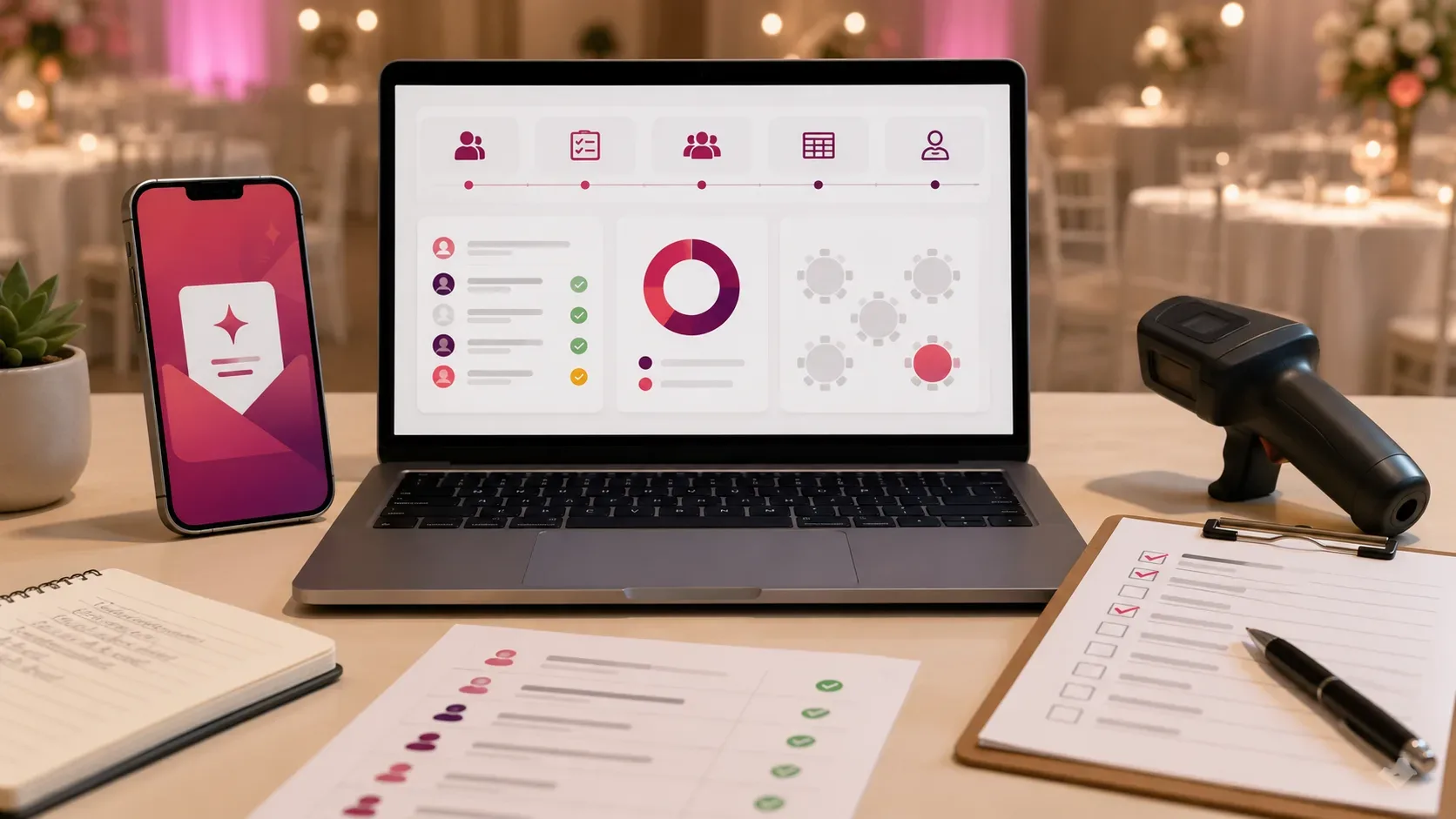
At this point, switching from paper to digital is just part of the change. The most important gain comes from transforming dispersed information into a centralized operation, in which invitation, confirmation of presence, guests, companions, table organization and check-in are part of the same flow.
This does not mean that paper, messages or spreadsheets are no longer useful. It means understanding how well each tool works and when the number of updates begins to require a system designed to monitor the event from end to end.
The problem isn't the paper: it's having multiple versions of the same event
A printed invitation fulfills its function of presenting the event very well. A conversation via WhatsApp resolves a question quickly. A spreadsheet may also be sufficient to record a small list of people.
The difficulty arises when these tools start to work together as an improvised database.
Imagine that a guest confirms their presence by message and informs that they will bring a companion. The spreadsheet needs to be updated. Afterwards, the person changes the name of the companion. Later, someone on the team rearranges the tables using an earlier copy of the file. On the day of the event, those at reception consult another list.
None of these tools need to be “wrong” for control to be lost. It's enough that an update doesn't play everywhere.
Centralizing management changes this logic. Instead of asking which file or conversation contains the most recent information, the team works from a common operational reference.
What changes when the guest list becomes a single source of information
A digital guest list can no longer be just a list of names to record the status of each person throughout the event.
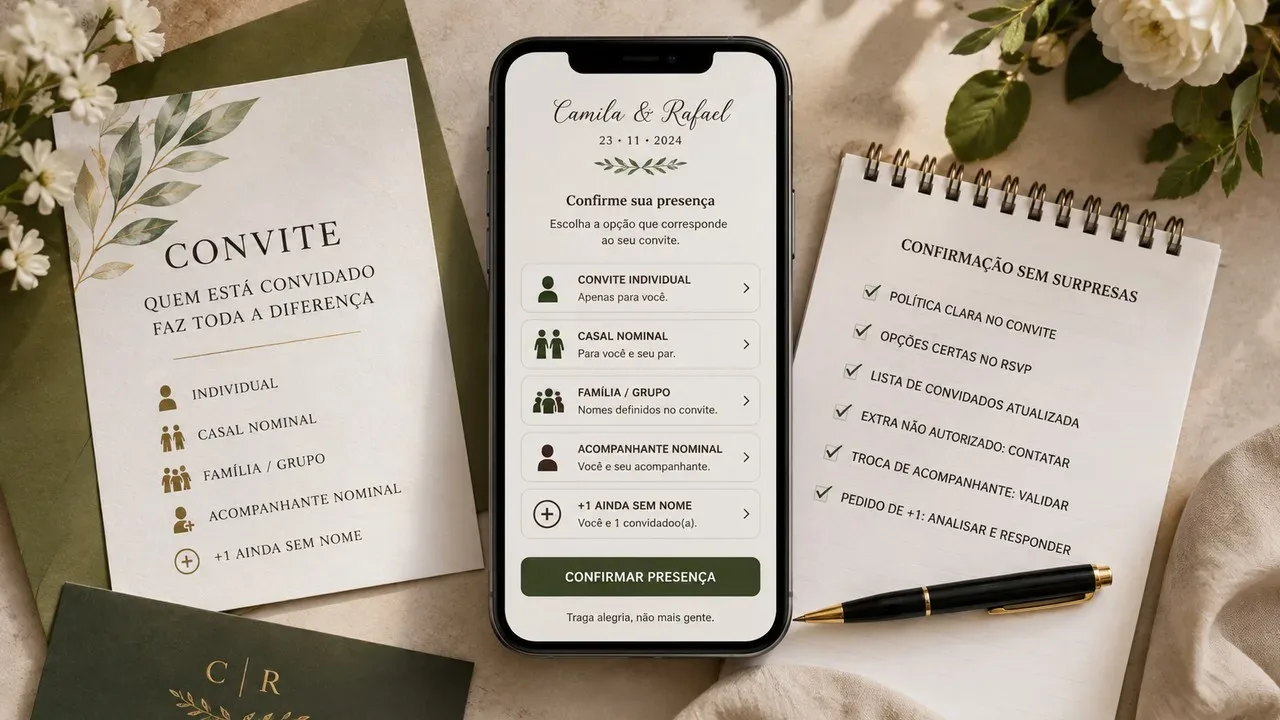
The organizer then looks at more useful questions: who was invited? Who has already opened the invitation? Who confirmed? Who hasn't responded yet? Are there companions? How many vacancies are actually occupied? Where will each group be located? Who has already entered the event?
The main difference is in the continuity of this information.
When confirmation, companion, table and entry are related to the same registration, a change no longer depends on several manual updates. Monitoring is also clearer for other people on the team, as long as the system offers appropriate access levels.
It is precisely this integration that event management platforms try to solve. In a review of registration tools published in June 2026, Cvent differentiates simple solutions, suitable for basic registrations, from platforms aimed at operations that need to gather registrations, changes, monitoring and in-person execution. The publication itself highlights that the tool needs to keep up with the real complexity of the event, and not simply offer as many features as possible.
Paper, WhatsApp, spreadsheet or digital system?
There is no universally better tool. The choice depends on what needs to be controlled.
| Need | Paper | Spreadsheet | Digital guest system | |
|---|---|---|---|---|
| Send or present the invitation | Works well | Makes sending information easier | Not its main function | You can connect invitation and registration |
| Register RSVP | Requires return by other means | Answers are left between conversations | Allows manual control | Can update status directly |
| Control companions | Manual annotation | Information can be scattered | Possible with own fields | Can relate escort and guest |
| Record changes | Requires new annotation | History exists, but it needs to be interpreted | Depends on correct file update | Can concentrate changes in registration |
| Organize tables | Impractical for alterations | Not suitable as a control | Possible, but requires parallel maintenance | Can list confirmed and places |
| Check in | Physical list needs to be marked | Not suitable | Requires manual operation | You can update presence in the same flow |
| Work as a team | Depends on copies | Information divided between conversations | Requires access and version control | Can offer permissions and shared vision |
The spreadsheet remains a valid option for simple events. Cvent's own comparison finds tools like Google Forms and Google Sheets practical when the goal is just to collect sign-ups and track basic responses. The turning point appears when the team begins to compensate for the limitations of these tools with parallel processes.
RSVP stops being a count and starts guiding the organization
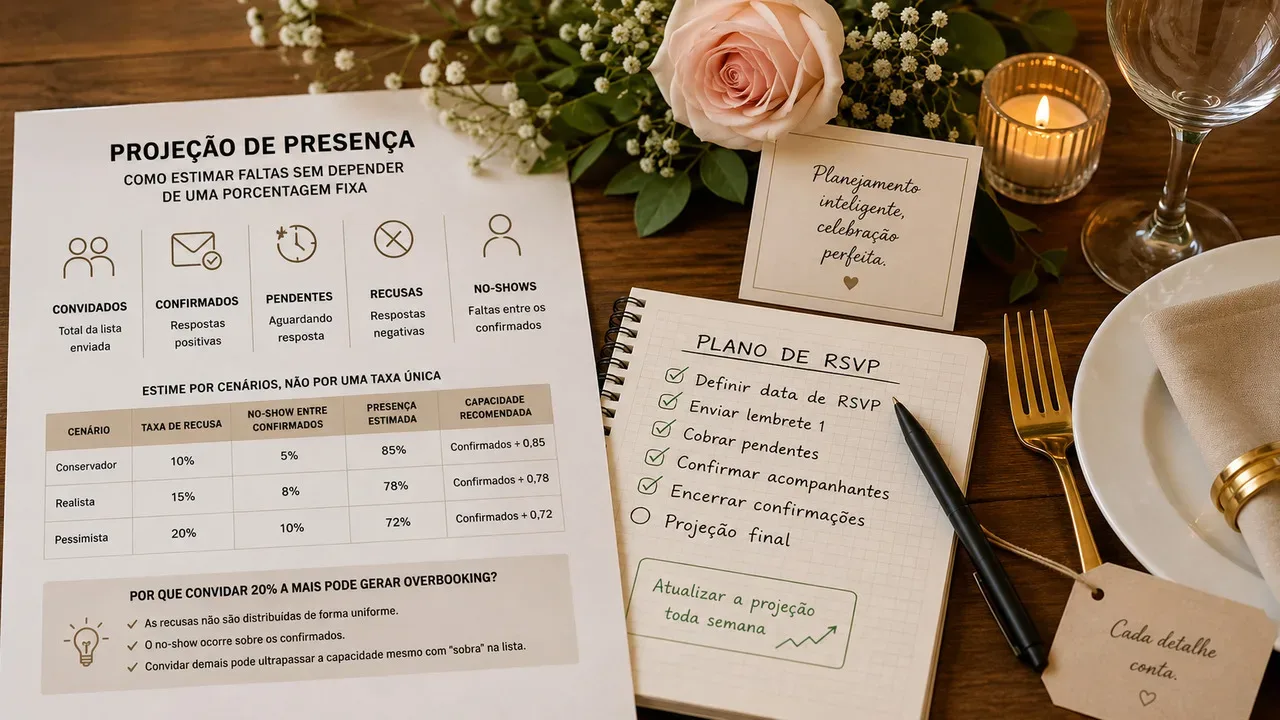
Knowing that a certain number of people have confirmed is useful. Knowing who has confirmed, who is pending and how each response affects the rest of the event is even more important.
This is where the RSVP starts to feed other decisions.
A confirmation can change the expected number of guests, include an escort and occupy seats that need to be considered when distributing tables. A withdrawal can free up capacity. A pending response may indicate who still needs to be followed up.
When this information is separated, someone needs to reconcile it. When they are connected, the event flow itself can reflect the changes.
Companies are no longer a separate note
Companies are a simple example of how small pieces of information generate work when they are not structured.
If the RSVP only records “confirmed attendance”, the team still needs to figure out whether that confirmation represents one or more people. Afterwards, this information needs to be used to plan the space and, when there are defined seats, to organize the tables.
Relating the companion to the main registry reduces this operational ambiguity.
Tables can track the actually confirmed list
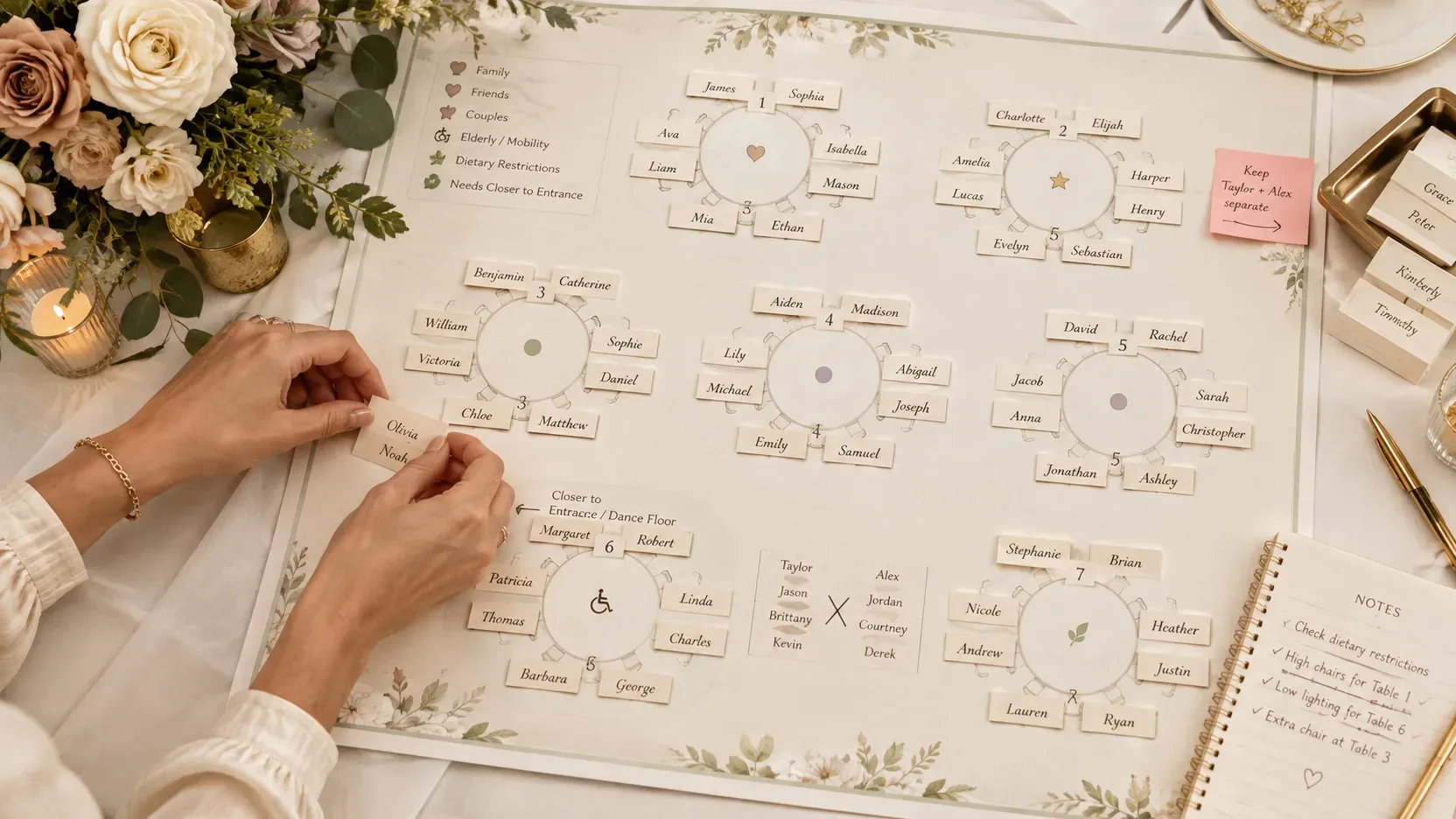
Setting up the distribution of tables before knowing who will be present usually leads to revisions. And the situation becomes more difficult when the list of confirmations and the salon organization are in different files.
In a connected flow, the table map can be constructed based on the guests actually registered, taking into account companions and available capacity.
This doesn't eliminate human decisions — you still need to decide who gets who, for example. What changes is the amount of information that needs to be copied from one control to another.
Check-in completes the same cycle that began with the invitation
On the day of the event, the list stops being just a planning tool and starts supporting the reception.
If check-in uses the same database that received the RSVPs, the team can check the guest's status without relying on a printout prepared hours or days before.
This link also makes the difference between “invited”, “confirmed” and “present” clearer. These are different states of the same person, and treating them this way offers a more useful view of the progress of the event.
How Biomi Invite applies this logic
 was built precisely around the continuity between these stages. The official page presents the platform as an environment to connect invitation, RSVP, guests, companions, tables and check-in, as well as resources for teamwork. The website states August 14, 2026 as the official release date.
At the invitation stage, the solution provides support for individual or general links, online RSVP and monitoring of confirmations and companions. The panel is also presented with monitoring of opening the invitation, starting the RSVP and completing the response.
In guest management, the proposal is to bring together registration, import, RSVP, communication and reports. The product's public documentation also mentions searching, importing, sharing and exporting records, preserving the history of the states presented by the platform.
The organization of tables appears integrated with the same logic. According to the resource's specific page, it is possible to distribute guests and companions, control capacity and work with different table formats.
Check-in completes this journey: the main page presents invitation, confirmation, table and attendance registration as steps linked to the same guest. The site also informs team permissions, a relevant feature when more than one person participates in the organization.
The practical benefit is not in turning each of these features into an additional task. It is to avoid the organizer having to keep a tool for each of them.
When it makes sense to swap parallel controls for a system
A small birthday with few guests can be perfectly managed with messages and a simple list. Adding a complex platform to this scenario could create more work rather than remove it.
Centralization starts to make more sense when signs like these appear:
- confirmations arriving through various channels;
- companions that need to be accounted for individually;
- frequent changes to the list;
- more than one person working in the organization;
- tables or capacities that depend on the confirmed ones;
- need to quickly consult who is still pending;
- reception or check-in that needs to work with updated information.
The criteria, therefore, does not need to be just the number of guests. Operational complexity counts as much as size.
This principle also appears in Cvent's analysis: simpler solutions serve basic processes well, while flows with more steps tend to require resources that reduce reconciliations and manual work.
Centralizing also requires care with guest data
Guest list involves personal data. Name, telephone number and other information related to an identified or identifiable person fall within the concept of personal data provided for by the General Personal Data Protection Law (LGPD).
Therefore, centralization should not mean indiscriminate collection.
The LGPD establishes, among others, the principles of purpose, necessity and security: processing must have a defined purpose, be limited to what is necessary and include measures designed to protect data against unauthorized access and other inappropriate situations.
In practice, this reinforces some precautions for any tool used in event management: evaluating what data really needs to be collected, defining who on the team needs to access it and reviewing the security and privacy practices of the chosen solution. The ANPD also guides the adoption of technical and administrative measures to protect personal data.
Having everything in one place helps with organization, but access to that place also needs to be controlled.
More control doesn’t mean more spreadsheets
The evolution from printed to digital invitations is visible to the guest. For those who organize, however, the most relevant change happens behind the scenes.
It means moving from a process in which each confirmation generates a sequence of notes and updates to another in which the information accompanies the guest himself: invitation sent, response received, registered companion, table defined and presence confirmed.
Paper, WhatsApp and spreadsheets can still participate in the event. The difference is not relying on them like disconnected pieces of a puzzle that need to be reassembled with each change.
For events where this fragmentation has already become part of the routine, offers a practical application of centralized management, bringing together the route from invitation to reception in a single system. Discover the platform at Biomi Invite.