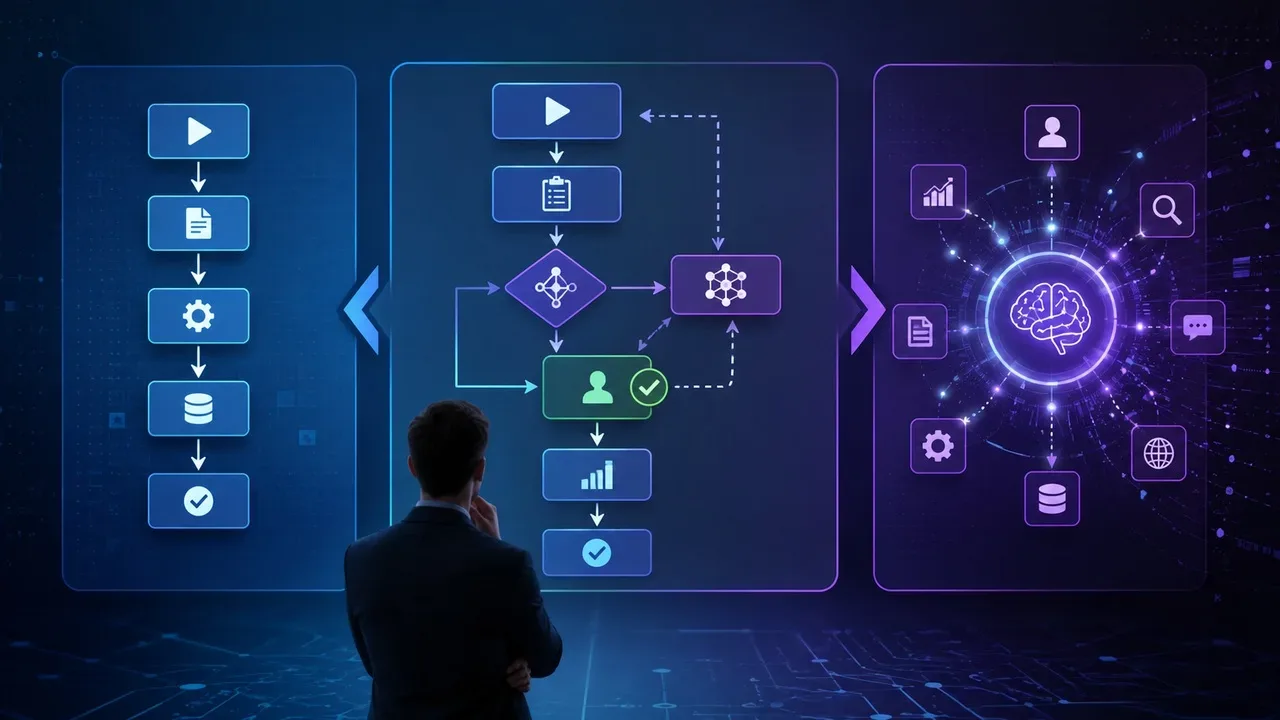
Connecting an AI to an MCP server does not simply mean “giving access to the server”. The Model Context Protocol separates what a server offers into three central primitives: tools, resources and prompts. They represent different surfaces: executable functions, data used as context, and interaction templates.
This distinction matters because the risk of an integration does not just depend on the name of the connected service. A calendar server, for example, can provide a resource for checking appointments, a tool for creating events and a prompt that organizes a planning flow. Knowing that the server “accesses the calendar” still does not explain what the AI will be able to read, execute or be directed to do.
The reference used here is the MCP specification 2026-07-28, published on July 28, 2026 and current as of the date of this review. This version maintained tools, resources and prompts as core server primitives, although it changed other important parts of the protocol.
Tools, resources and prompts are not three names for the same permission
The MCP documentation itself associates a different control model with each primitive. Tools are designed to be controlled by the model; resources, by the application; prompts, by the user. This describes who typically decides when that capability comes into use, not who has final authorization over external systems.
| Primitive | What the server offers | Typical control | Main question when reviewing |
|---|---|---|---|
| Tools | Executable functions that can query systems, call APIs, calculate or produce external effects | Model, subject to customer controls | What can this function do and what data does it receive? |
| Resources | Data and content that can be retrieved as context, identified by URI | Application | What information can be read and put into the context of AI? |
| Prompts | Server-defined, argument-customizable message and instruction templates | User | What instruction am I choosing and what other features does it incorporate? |
This classification is more useful than dividing MCP simply into “reading” and “writing”. A tool can just query a database, without modifying anything. At the same time, another tool can send an email, create an event or change a file. The fact that they are both tools indicates that they are invocable operations, not that they have the same level of risk.
Tools are operations that AI can request
A tool is an executable interface described by the server. It has a name, description, an input schema and, optionally, a schema for the output. The model can discover the available tools and request an execution through tools/call.
This is where the capabilities that are easiest to recognize as “actions” generally appear: creating an appointment, sending a message, modifying a file, or calling an API. But tools can also perform operations without writing effects, such as searching for flights, querying data or performing calculations. The correct question, therefore, is not just “does this server have tools?”, but rather which operations does each tool implement.
The specification calls this model model-controlled: the AI can automatically discover and invoke tools according to the context and the user's request. This does not mean that the protocol requires unrestricted execution. The specification itself recommends keeping a person capable of denying calls and guides applications to make exposed tools clear, signal executions and present confirmations.
For sensitive operations, the technical recommendation goes beyond a simple “connect” button. Customers should consider user confirmation, display the data that will be sent to the tool before the call, validate results and record usage for auditing.
This creates an important distinction: the existence of a tool in the server catalog does not, in itself, equate to unconditional authorization to use it. The MCP host or client can still apply its own policies, permissions, and confirmations.
Resources are data made available as context
Resources represent information that the server makes available for reading: file contents, records, database schemas, documentation or application-specific information. Each resource has a URI that identifies it.
Unlike tools, resources are described as application-driven. The host application decides how to incorporate this data. It can offer a manual selector, enable searching and filtering, or even automatically add context using heuristics or AI-assisted selection. The protocol does not require a single interface to be used.
This also means that “resource” should not be understood as “data that the AI will always see”. The server can provide a catalog of resources, but it is up to the client to decide how to retrieve them and when to place them in the context of the model.
The display surface, however, remains relevant. A resource can represent an internal document, a calendar, information from an API or other sensitive content. The specification requires validation of URIs and recommends access controls and permissions checking for protected resources.
Resources can still use URI templates. Instead of presenting only fixed addresses, a server can offer parameterized templates to retrieve different sets of data. Current documentation also provides text and binary resources, as well as metadata that helps the customer decide how to use them.
In analyzing a connection, therefore, resources primarily answer the question: what information can this server deliver to the client and potentially place in front of the model?
Prompts are templates provided by the server
In MCP, prompts are not just the message the user types in the conversation. They are structured templates published by the server itself and retrievable by the client. They can accept arguments to customize a flow, such as a template for code review, planning, or crafting a message.
Here there is an important nuance. Prompts are described as user-controlled because the intention is for the user to explicitly choose when to use them. The content of the template, however, is defined by the server. The specification makes this distinction explicitly.
A prompt also does not need to work in isolation. It can contain text, images and other types of content, as well as reference or embed resources. This allows you to create flows in which the template already brings together instructions and context provided by the server.
In addition, a prompt can guide the model to work with certain tools. Therefore, classifying it as “text only” may minimize its importance. The prompt does not execute a tool itself, but it can structure the interaction that will lead the model to request an available action.
The current specification also mandates that implementations validate input and output prompts to reduce risks such as instruction injection and unauthorized access to resources.
The three primitives can appear combined
Tools, resources and prompts are distinct categories, but they do not form closed compartments.
A tool can return structured content, links to resources or even embedded resources. Likewise, messages from a prompt can carry references or resource contents.
Imagine a server connected to email and calendar. It could offer a resource to retrieve upcoming appointments, a tool to create a new event and a prompt called “organize my week”, which structures the instructions and incorporates relevant information.
In this scenario, evaluating only the tool that creates events would leave part of the exposure surface out. The resource determines what information can be retrieved; the prompt can influence how this information and tools are combined.
Therefore, a useful technical review begins with the complete catalog of capabilities, and only then moves on to the permissions granted.
What the server offers and what you authorize are different issues
The specification allows the sets of available tools, resources and prompts to vary depending on the authorization presented in the request. In other words, the server can possess a capability without necessarily giving it to every user or every access token.
MCP security documentation also recommends minimizing scopes. Overly broad permissions increase the impact of a compromised token, make audits less clear, and can allow access to operations unrelated to the initial need. Current guidance proposes a progressive model of least privilege, with scope elevation when an operation actually requires more access.
This helps separate two steps that are often confused:
First, inventory technical capability. Find out which tools can be called, which resources can be read, and which prompts the server publishes.
Then evaluate authorization. Check which of these capabilities will be available with the granted credentials, what external data they reach, and which actions require confirmation.
A generic consent screen might say that a service will have access to the calendar. The MCP catalog may reveal that, technically, there are very different operations under this same label: searching for events, reading details, creating appointments, or running other flows. The review level should track the actual operation, not just the name of the integration.
How to analyze an MCP server before connecting it
When reviewing an integration, start by checking whether the client allows you to see what the server offers. For tools, look for names, descriptions, input parameters, and purpose of each operation. The specification guides applications to make the tools available to the model clear.
Next, identify the resources. The point is not just to count how many there are, but to understand the data domain: local files, corporate documents, database, messages, calendar, or other source. Sensitive resources must have their own access controls.
Also review the available prompts. As the content is defined by the server, a template deserves to be treated as part of the integration and not as a simple interface shortcut. See what it instructs, what arguments it receives and whether it incorporates resources.
Finally, compare this inventory with what is being requested in the authorization. The official documentation recommends authorization for servers that handle specific user data or operations that depend on consent and highlights the minimization of scopes as a security measure.
The result of this analysis should allow us to answer more concrete questions than “do I trust this MCP?”: what data can it provide, what operations does it offer, what templates can guide the interaction and what portion of all of this am I actually authorizing?
Once you understand what the server can expose, the next decision is how much of that access to grant. For this step, also see “Before connecting an AI agent to your email, calendar, and browser: What to review” and review permissions, confirmations, and credential scope before completing the connection.