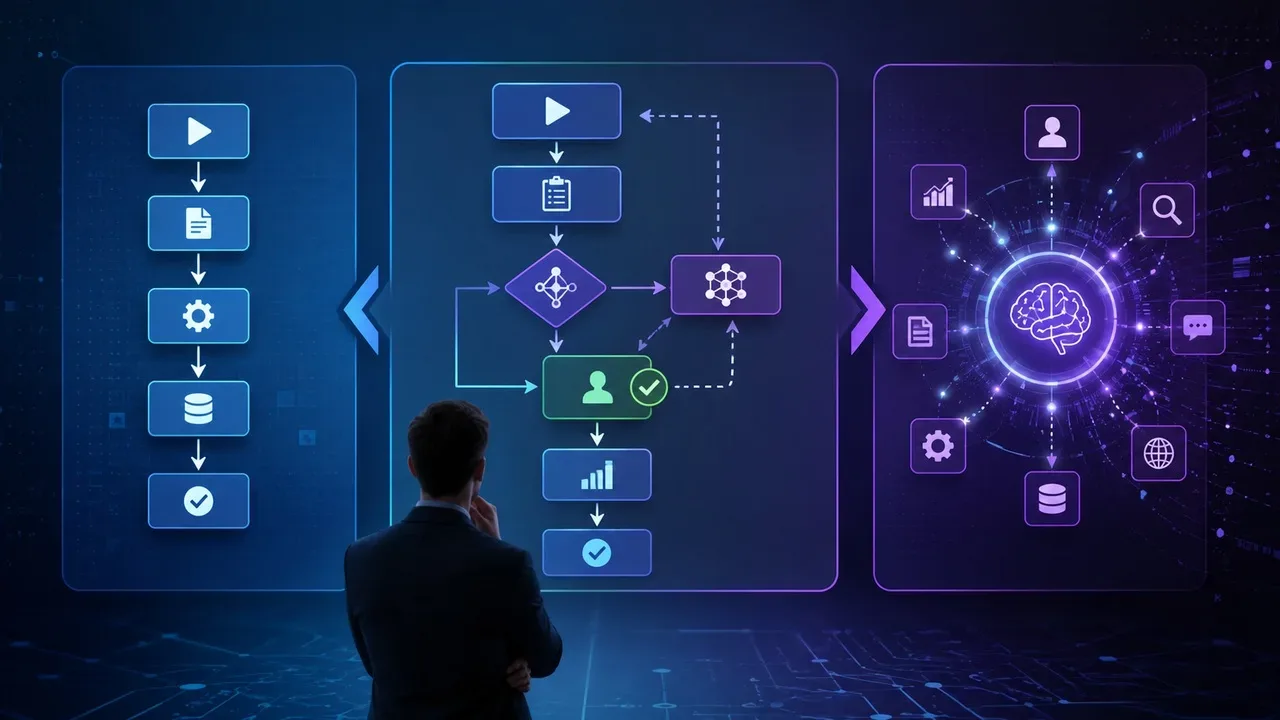

Giving an AI agent access to email, calendar or browser is not just allowing it to “see” information. Depending on the integration, authorization may also allow you to create, change, send, delete, or share data. The safest starting point is simple: grant only the access necessary for the task and keep high-impact actions under human approval. This is the principle of least privilege applied to agents.
This concern is no longer just theoretical. Applications connected to AI assistants can query external sources and, depending on the capabilities offered, perform actions on the user's behalf. There are also current remote browsing flows for web tasks, although limits vary widely between products and can change quickly.
A University of Washington study published in July 2026 helps show why the “Connect” button deserves more attention. Alexandra E. Michael and Franziska Roesner reviewed 21 proposed agent permission systems and conducted guided tests on five commercial agents. The commercial tests took place between the second half of May and the first week of June 2026. The researchers found a recurring tension: either the system interrupted the user with frequent approvals, or it resorted to automatic mechanisms with less transparency and control.
Does this mean the decision shouldn’t be “do I trust this AI or don’t I trust it?” A better question is: what exactly will this agent be able to do if it makes a mistake, misinterprets an instruction or is influenced by malicious content?
Start by separating reading from writing
Consent screens often combine very different permissions under generic expressions such as “access your calendar” or “use your account”. The actual range depends on the level granted.
The Google Calendar documentation, for example, differentiates between permissions that only show availability, permissions to read events, permissions to view and edit events, and broad access that allows you to view, edit, share, and even permanently delete calendars. Gmail also has different scopes for viewing messages, managing labels, and working with drafts or sending emails.
So when given a choice, choose the narrowest permission compatible with the objective. If the agent needs to find a free time for a meeting, they may not need to read titles, attendees, and descriptions of every appointment. If the role is to prepare responses, creating a draft is less risky than obtaining permanent authorization to send it.
This logic corresponds to the least privilege: according to NIST, users or processes acting on their behalf should only receive the minimum authorizations necessary to perform the assigned task.
Reading can also be sensitive
“Read-only” reduces the possibility of the agent modifying the account, but does not make access harmless. Emails and calendars can reveal private conversations, contacts, trips, documents, schedules, professional information and other data that you would not hand over indiscriminately to an external service.
There is also an important effect when multiple permissions are combined. An agent that can read private content and also send messages, upload files or browse external services now has a potential path to transfer information out of the original environment if something goes wrong.
OWASP highlights that prompt injection attacks can come from external content, such as pages and files, and make a model try to use functions to which it has access. Recommended measures include limiting privileges to the minimum necessary and requiring human approval for higher risk operations.
A simple matrix for deciding how much to automate
The table below does not replace analysis of the actual permissions shown by the service. It serves to transform technical names into four practical questions: does the agent just read or write? Is it possible to undo the action? Is the account or data sensitive? Can the action happen silently or must it stop for your approval?
| Permission or action | Reading or writing | Reversibility | Typical sensitivity | Recommended pattern |
|---|---|---|---|---|
| Check calendar availability | Limited reading | Does not change data | Lower average | Can be automatic when access is really limited to availability |
| Read emails or event details | Reading | Does not change the account, but exposes content | Medium to high | Authorize only when necessary and restrict the source or scope whenever possible |
| Create draft email or interim event | Writing | Normally reversible before shipping | Average | It can be automatic if there is no external effect and there is a subsequent review |
| Send email, invitation or response to third parties | Writing | Partially reversible or irreversible | Medium to high | Require approval immediately before shipping |
| Delete messages, events or change sharing | Destructive writing | May be difficult or impossible to undo | High | Do not leave it automatic; prefer trash, version or other reversible step |
| Browse and search public pages | Reading | Generally reversible | Lower average | Can be automatic within clear limits |
| Fill out and submit forms, post or accept appointments | Writing with external effect | Often difficult to undo | High | Require approval at time of submission or publication |
| Buy, transfer money or change account security | Privileged action | May result in financial or access loss | Very high | Do not delegate from end to end; keep the final decision and confirmation with one person |
The central criterion is the impact radius. A failure in a public search usually has smaller consequences than a failure to send a message to customers, delete a calendar or make a financial transaction.. OWASP ranks tool abuse and abuse of identity and privileges among the top risks of agentic applications in its Top 10 for 2026.
In 2026, the project itself recorded cases and research in which excessive permissions, poorly delimited autonomy and lack of confirmation amplified the impact of incorrect behavior. In its recommendations, OWASP treats operations such as delete, send, pay and publish as actions that deserve strong confirmation and the possibility of reversal.
Human approval must be on the right border
Asking confirmation for each reading can make the system so cumbersome that the user starts to approve warnings mechanically. Michael and Roesner's study draws attention to precisely this cost: commercial systems analyzed frequently resorted to real-time confirmations, while automated alternatives could reduce transparency and control.
A practical application is to place approval at the moment the consequence changes in nature. The agent can consult the calendar and suggest three times on their own, but must stop before sending the invitations. Can read an authorized message and produce a response, but must show the recipient and text before sending. You can fill in the fields of a form, but not automatically submit it when this creates an appointment, publication, registration, purchase or other external consequence.
For especially sensitive operations, this principle comes close to the separation of duties used in information security: NIST describes this control as a way to prevent a single actor from having sufficient privileges to alone perform an operation susceptible to abuse.
Prompt injection changes the risk of a browser with AI
A traditional browser displays a page for you to decide what to do. An agent can read the content and use it as part of their own decision process. This difference creates a specific problem: a page, document, or message may contain instructions designed to influence the model.
OWASP calls this scenario indirect prompt injection. Content coming from pages or files can change the expected behavior of the model and, when the system has tools connected, try to induce access to functions or execution of unintended commands. The organization recommends privilege controls, least possible access, separation of untrusted content, and human approval for high-risk actions.
This helps you understand why permissions are a containment layer, not just a privacy setting. If a malicious page manages to influence the agent, an account set to read-only limits what it can modify. If sending, deleting, sharing, installing or transferring money depends on human confirmation, the attack encounters another barrier before taking effect.
None of these measures makes prompt injection impossible. They reduce the damage that improper instruction can cause.
Revocation must exist before connection
Before granting access, find out how to remove it. Don't wait until you need to revoke an integration to look for this option.
Google lets you review apps that have access to your Google Account and remove that access later. Microsoft also offers revocation of user-granted permissions on work or school accounts; in the latter case, permissions granted by the administrator may not be revocable by the individual user.
For an agent, it is prudent to look for two different controls: disconnection within the AI tool itself and revocation at the connected account provider. If the service does not make clear what data it still retains after revocation, consult its privacy and retention policy before linking sensitive information.
The possibility of changing or withdrawing permissions also appeared as one of the relevant points in the July 2026 study. The researchers observed that continuous control mechanisms exist in commercial products, but their implementation and transparency vary.
Isolation reduces the scope of an error
When trying out a new agent, avoid starting with the account with the most data and privileges. When the task allows, use a separate browser profile, an account without administrative privileges, a specific folder, a dedicated calendar, or a test environment.
The idea is not to create a false sense of security. It is to prevent a limited task from inheriting, for convenience, all the sessions, files and authorizations you already have. In its 2026 incident analysis and research, OWASP cites scope reduction and isolation of execution contexts among measures to limit agent abuse of privileges.
For professional use, this care must extend to the organization's rules. A corporate account may contain customer data, confidential documents, or permissions granted by administrators that the user cannot remove.
No activity log, automate less
Before you let an agent do something themselves, make sure you can find out later what they did.
A useful record should allow reconstructing, at least, the operation performed, the time, the resource accessed and, when available, the authorization used. NIST defines an audit log as a chronological record of a system's activities, including accesses and operations performed over time.
For the average user, this translates into looking for activity history, tasks performed, tool actions, or another equivalent record. If a product can send, delete, publish, or modify data, but doesn't provide a reasonable way to check its actions, there's a good reason to keep those operations manual.
Logs do not prevent a wrong action. They help to understand it, investigate it and decide whether the permission should continue to exist.
Before clicking “Connect”
-
I understand exactly what data the agent can read.
-
I separately checked what data it will be able to create, edit, send, share or delete.
-
I chose the narrowest permission available rather than broad access for convenience.
-
I've confirmed whether a free/busy, read-only, or draft permission resolves the task.
-
Maintain sending, deleting, publishing and submitting forms under human approval when there is a relevant external effect.
-
I didn't make purchases, financial transfers or password changes, recovery, authentication and administrative privileges completely automatic.
-
I know where to revoke access in both the AI tool and the connected service.
-
I checked if the tool offers history or records of the actions performed.
-
I considered using a separate account, profile, folder, or environment for the first test.
-
I remember that pages, emails and documents read by the agent may be untrusted content and contain prompt injection.
-
I have reviewed the privacy and retention policy when the connection involves personal, professional or confidential data.
-
I'm granting access because the task actually needs it, not just because the “Connect” button is available.
If any of these answers are still unclear, the safest choice is not to accept all permissions to “see if it works”. Reduce the scope, keep the action manual, or postpone the connection until you understand exactly what the agent can do.