Direct answer: Motion Assist requires a device running Android 17 or later with Google Play services updated. Meeting those requirements is necessary, but the practical confirmation that the feature has reached your phone is finding the option in Settings. Google included the feature in the September 2026 Android Drop and also listed it in the Google Play services v26.37 release notes dated September 21, 2026. The system services release notes themselves warn that some features may be available only to certain users during rollout.
What Motion Assist does
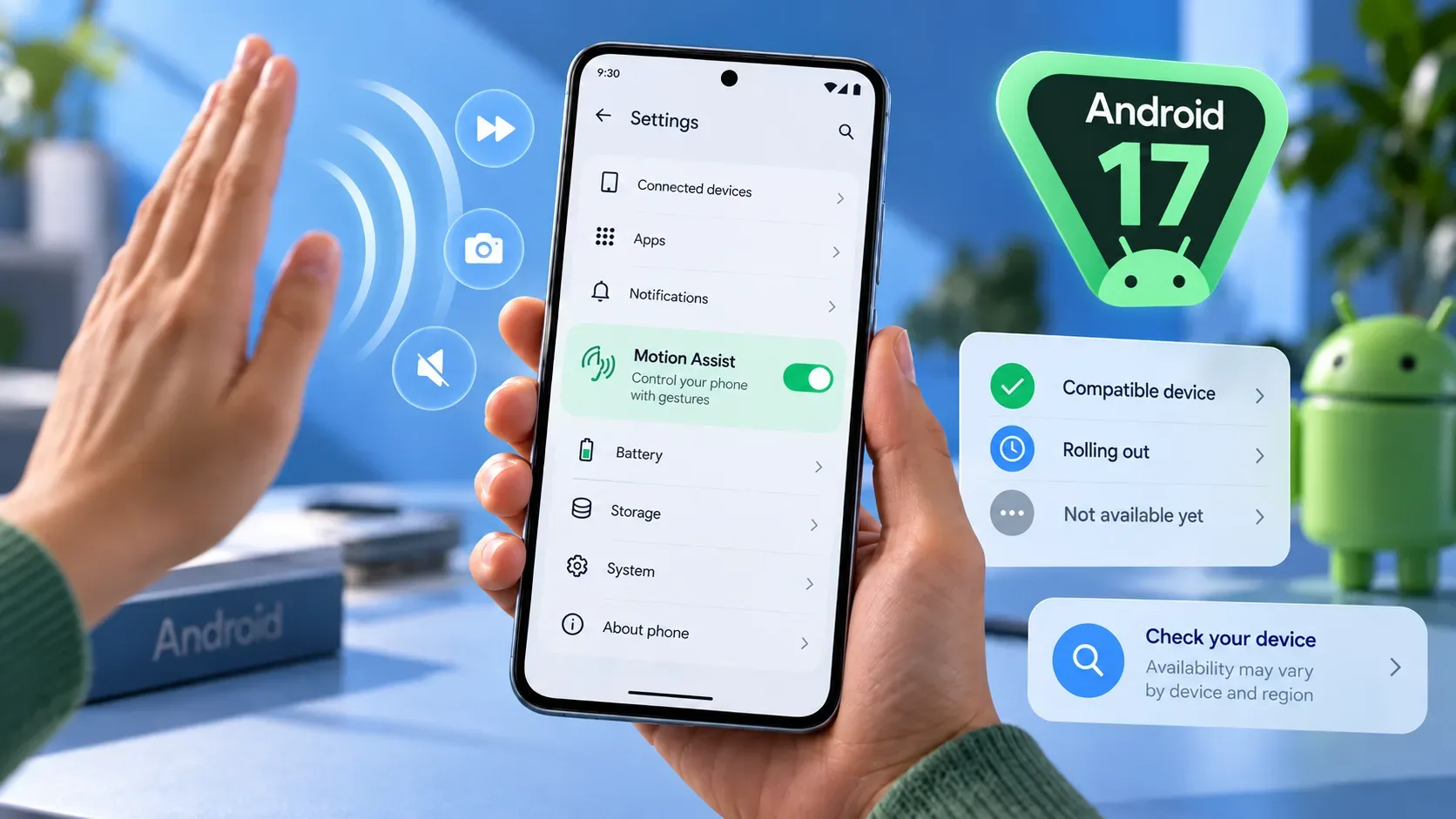
Motion Assist is designed to help reduce motion sickness when a passenger uses a phone in a moving vehicle. When enabled, it displays small visual shapes along the edges of the screen. These shapes move in real time using the phone's motion sensors, responding to changes such as turns, acceleration and braking.
The idea is to reduce the mismatch between the movement sensed by the body and the comparatively stable image seen on the screen. Google describes the feature as something that can help reduce motion sickness, not as a guarantee that discomfort will disappear in every situation.
What the requirements are
| Check | What to verify | How to interpret it |
|---|---|---|
| Android version | Android 17 or later | Earlier versions do not meet the official Motion Assist requirement. |
| Google Play services | Component updated | The feature depends on Google's system services, not only on the main Android version. |
| Availability on the device | Motion Assist option in Settings | If the menu appears, the feature has reached that device. If it does not, you still need to distinguish a missing requirement from a pending rollout. |
It is also important to separate two different update paths. Android 17 must first be available for your model, and the schedule can vary by device, manufacturer and carrier. After that, Motion Assist depends on updated Google Play services and on the feature being delivered through Google's system services.
How to check whether Motion Assist has reached your phone
- Check the Android version. Open Settings, go to About phone or About tablet, and tap Android version. The number must be 17 or higher.
- Check Google Play services. In Settings, tap your profile, open All services and look for the Privacy and security section. Under System services, open Google Play services and install or update the component if that option is available.
- Search for the feature. Use the search field at the top of Settings and look for “Motion Assist”. The path given by Android Help is Settings, profile, All services, Personal & device safety, Motion Assist.
- Confirm the available controls. When the menu is present, you can enable automatic start in a moving vehicle and add a Quick Settings tile for manual control.
What to do if the option does not appear
If the device is still running Android 16 or earlier, Motion Assist does not meet the official requirements on that device. In that case, the main question is whether the manufacturer offers Android 17 for the model. Google states that Android update schedules vary by device, manufacturer and carrier.
If the phone is already on Android 17, check whether Google Play services is updated. Google's documentation provides a specific path for updating that component through System services.
If Android 17 and Google Play services are both up to date but Motion Assist is still missing, that does not immediately prove the device is incompatible. Google's system services release notes warn that some features may be experimental and available only to certain users. That is why seeing the option in Settings is a safer confirmation than assuming every eligible phone receives the feature at the same time.
It is also not recommended to clear Google Play services data just to try to force the feature to appear. Google Play Help treats data clearing as a later troubleshooting step and warns that it can remove information stored on the device, including payment data and other local credentials.
How to use it after the feature appears
On the Motion Assist page, Google offers two main ways to control the feature. The first is to enable Start in a moving vehicle, so the visual shapes appear automatically when the phone detects compatible movement. The second is to add the Motion Assist tile to Quick Settings, allowing you to turn it on or off manually from any screen.
Google recommends keeping the manual tile available because the device may not correctly detect every situation in which you are inside a moving vehicle. When automatic activation turns on, a silent notification lets you disable the feature for that session.
You can also customize the visual shapes. Android Help lists controls for opacity, color theme, shape and randomization, which periodically changes the color and shape.
Is there a universal rollout date for Brazil?
As of September 26, 2026, the official documentation reviewed here does not provide a separate date guaranteeing simultaneous Motion Assist activation on every compatible device in Brazil. The Brazilian Android Help page states the Android 17 or later and updated Google Play services requirements, while the system services release notes list the feature in Google Play services v26.37 and note that some functions may be available only to certain users during rollout.
For that reason, do not treat “running Android 17” as the same thing as “Motion Assist is already enabled”. The most reliable sequence is to check the system version, update Google's services and look for the option directly in Settings. If it is not there yet, wait for the normal rollout and keep up with the updates officially offered to your device rather than assuming there is a shortcut to force activation.
Quick checklist
- Android 17 or later installed.
- Google Play services updated.
- Search for Motion Assist in Settings.
- Confirm the feature's menu is visible before considering it available on the device.
- Add the Quick Settings tile for manual control if desired.
- Do not assume simultaneous availability across all models or regions.